Ελληνικά
Your cart
There are no more items in your cart


 Educational Products
 School Equipment
 Stationery
 STEM - Robotics - Programming
 Electronics
 Educational Toys & Construction Kits
 Tools & Adhesives
 Craft Materials
 Art Supplies

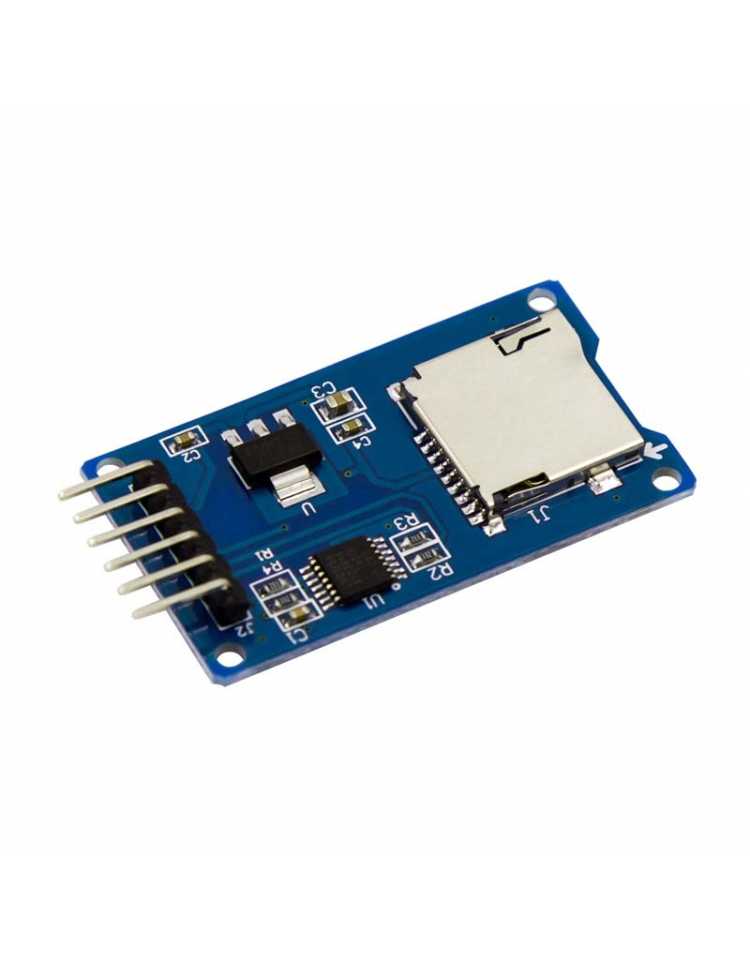
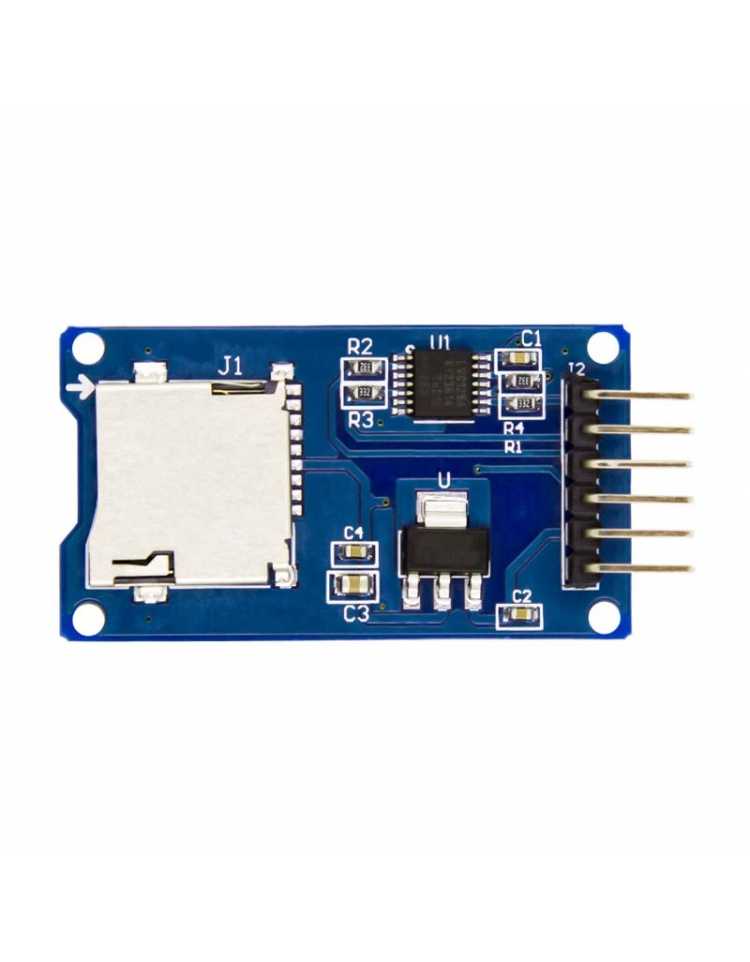
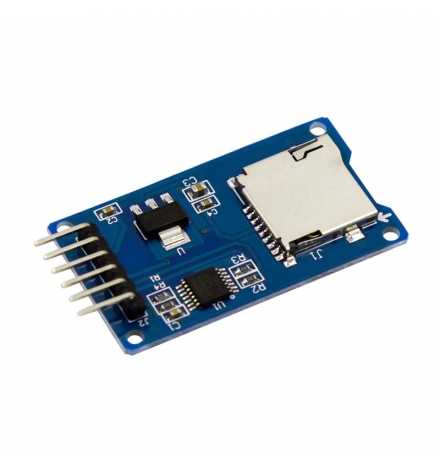
The Micro SD Card Module (Mini TF Card Read and Write) is a compact storage interface module that enables microcontrollers to read from and write to Micro SD and Micro SDHC cards using the standard SPI communication protocol. With onboard 3.3V LDO regulation and a bidirectional level conversion circuit, it accepts both 5V and 3.3V logic, making it universally compatible with the most popular development platforms including Arduino and ESP32.
| PIN | Symbol | Description |
|---|---|---|
| 1 | GND | Ground – connect to system ground |
| 2 | VCC | Power supply – 5V or 3.3V |
| 3 | MISO | SPI Master In Slave Out – data from SD card to MCU |
| 4 | MOSI | SPI Master Out Slave In – data from MCU to SD card |
| 5 | SCK | SPI Clock signal |
| 6 | CS | Chip Select – active low, selects the SD card |
Wiring note: Connect MISO, MOSI, and SCK to the hardware SPI pins of your microcontroller. CS can be assigned to any available digital output pin defined in your sketch.
| Parameter | Value |
|---|---|
| Communication Interface | SPI (MISO, MOSI, SCK, CS) |
| Supported Voltage (VCC) | 5V or 3.3V |
| Onboard Regulator | LDO – 3.3V output for SD card supply |
| Level Conversion | Bidirectional level shifter included |
| Supported Card Types | Micro SD, Micro SDHC (high-speed) |
| Number of Pins | 6 (GND, VCC, MISO, MOSI, SCK, CS) |
Q: Do I need any additional components to use this module with Arduino UNO?
A: No. The onboard LDO regulator and level conversion circuit handle all voltage translation internally. Simply connect the 6 pins directly to your Arduino's 5V, GND, and SPI pins.
Q: What file system format should the Micro SD card use?
A: Most Arduino and ESP libraries (SD.h, SdFat) require the card to be formatted as FAT16 or FAT32. Format the card using your operating system or a tool like SD Card Formatter before use.