- Home
- Catalogues
- List of Supervising Constructions for High School - High School 2025-2026
- Catalogue of Science and Technology Aids 2025-2026
- Design & Technology Catalogue Primary Schools 2024-2025
- Catalogue of Science and Technology Aids 2024-25
- Catalogue of Science and Technology Aids 2023-24
- Christmas Crafts Set
- Nursery Schools Catalogue 2022-2023
- Nursery Schools Catalogue 2020-2021
- Nursery Schools Catalogue 2018-2019
- Happy and Creative Hands
- Jobs Category
- About us
- FAQ
- Terms and conditions of use
- Privacy Policy
- Cookies Policy
- Payment Methods
- Shipping Methods
- Returns Policy
- Payment Response
- Registration Successful
- Shipments to Greece
- New Service Point
- Teacher Registration
- Box Now Shipping Service
- 40 years Antoniadis
- Catalogues
- Catalogues
- About us
- Payment Methods
-
Educational Products
-
School Equipment
- All
- Write 'N' Wipe Boards
- White Magnetic Boards
- Board Erasers & Cleaners
- Interactive Boards
- Cork Boards
- Boards Paper Roll
- Talking Points
- Measuring Instruments
- Rotary Trimmer & Guillotine Machines
- Binding Machines
- Laminators
- Maps
- Literacy
- Time
- Presenters
- Music Instruments
- Batteries
- USB Memory Sticks
- Pocket Charts
- Various
-
Stationery
-
STEM - Robotics - Programming
-
Electronics
-
Educational Toys & Construction Kits
- All
- Mechanics
- Robotics
- Coding
- Simple Circuit Kits
- Science
- Green Science
- Planets
- Dinosaurs - Volcanos
- Animals
- Lenses
- Logic / Understanding
- Card & Board Games
- Rubik's Cubes
- Puzzles
- Magnetic Boards
- Hama Beads
- Painting Sets
- Craft Sets
- Creative Hands
- Soft Play Dough
- Fridge Magnets
- Wooden toys
- Baby Toys
- Gadgets
- Construction "Antoniadis"
- Seasonal
- Birthday Gifts
- Gift Vouchers
-
Tools & Adhesives
-
Craft Materials
- All
- Resin Art, Casting & Sculpting
- Decoupage & Mixed Media
- Items for Decoration
- Model Making & Mockup Supplies
- Creation Materials
- Decoratives
- Paints - Colours
- Mediums & Auxiliaries
- Canvases & Canvas Panels
- Clocks & Accessories
- Cards & Papers
- Fabrics
- Scrapbooking - Papers
- Powertex
- Quilling
- Seasonal
- All
- Acrylics
- Metallic - Pearl
- Chalk Paints
- Oil Paints
- Watercolours - Temperas
- Glass paints
- Fabric Paints
- Pouring Paint Sets
- Face painting
- Lasur Paints
- Chalkboard
- Pencils
- Chalks
- Markers
- Pastel-Crayons
- Outliners
- Alcohol Inks
- Spray
- Pigments for Liquid Glass
- Pigments
- Coloring Books
- Painting by numbers
- Paint Palettes and Containers
-
Art Supplies
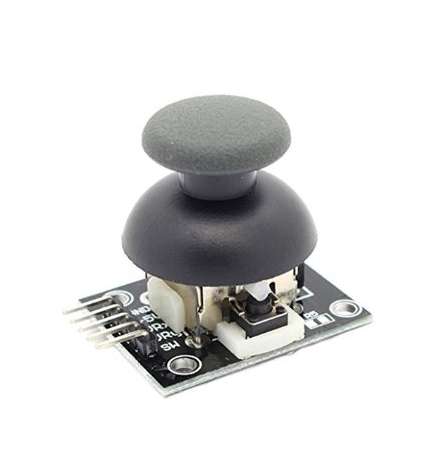
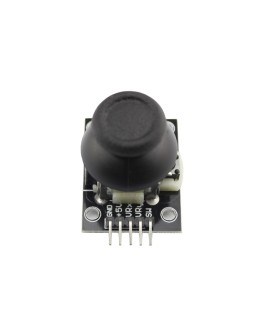
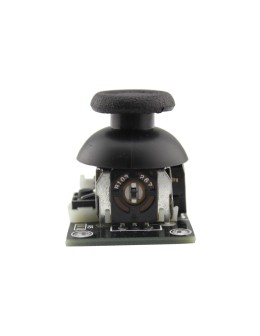
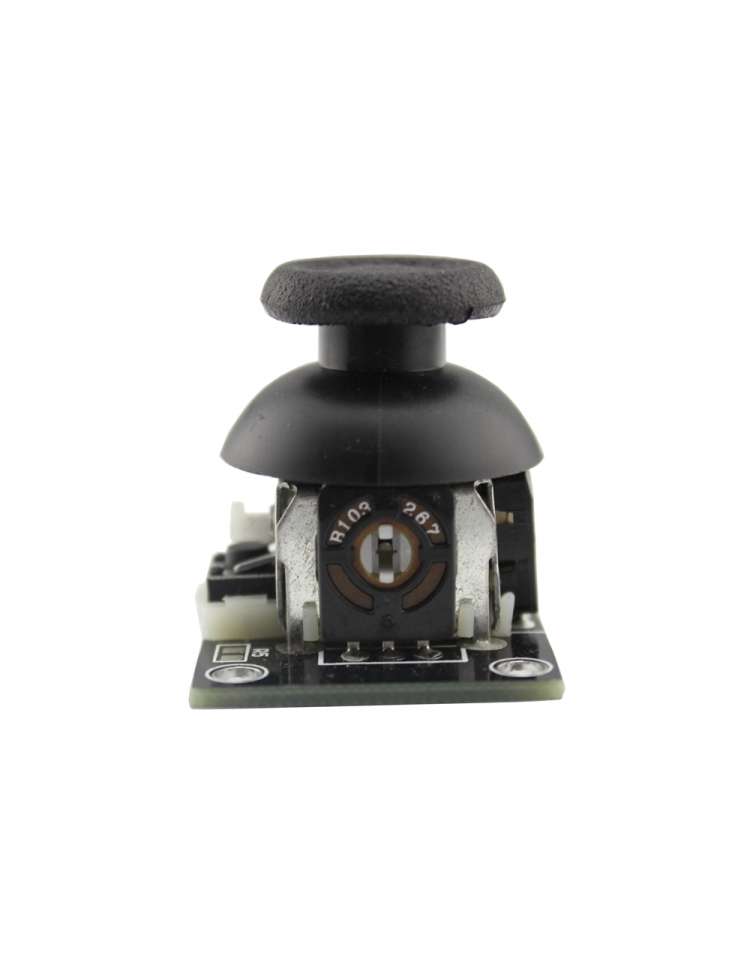
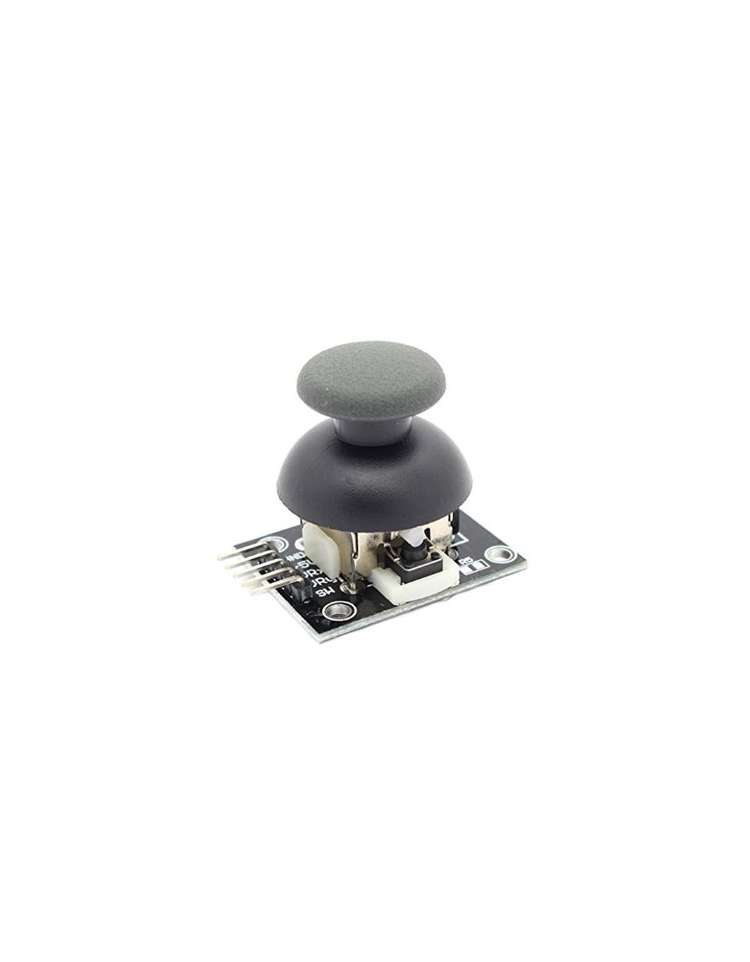
Dual-axis XY Joystick Module KY-023
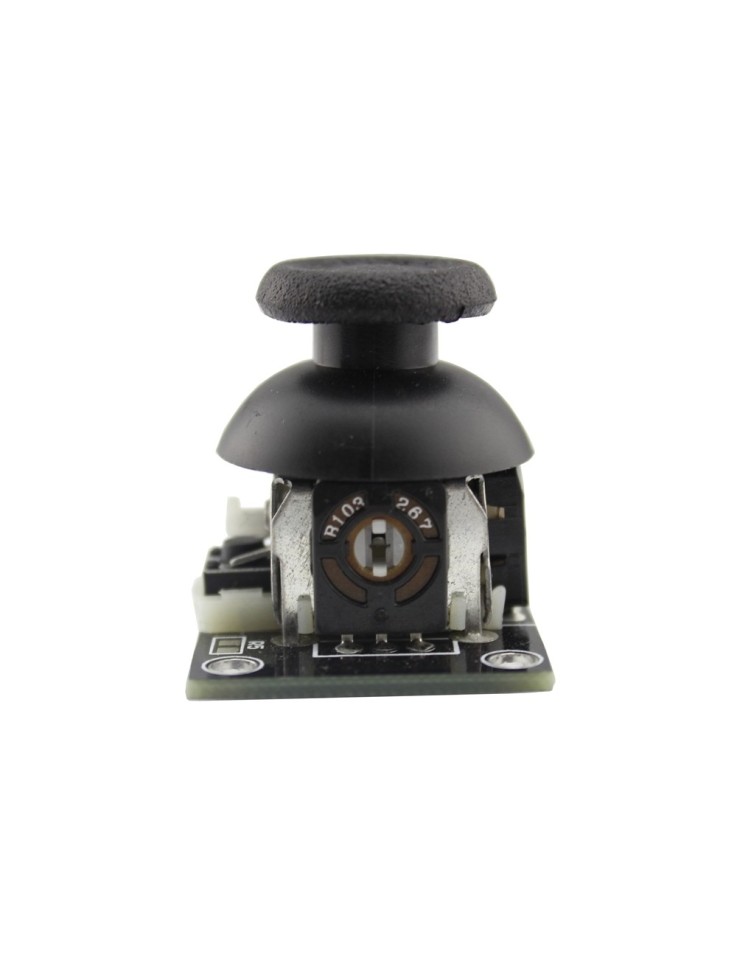
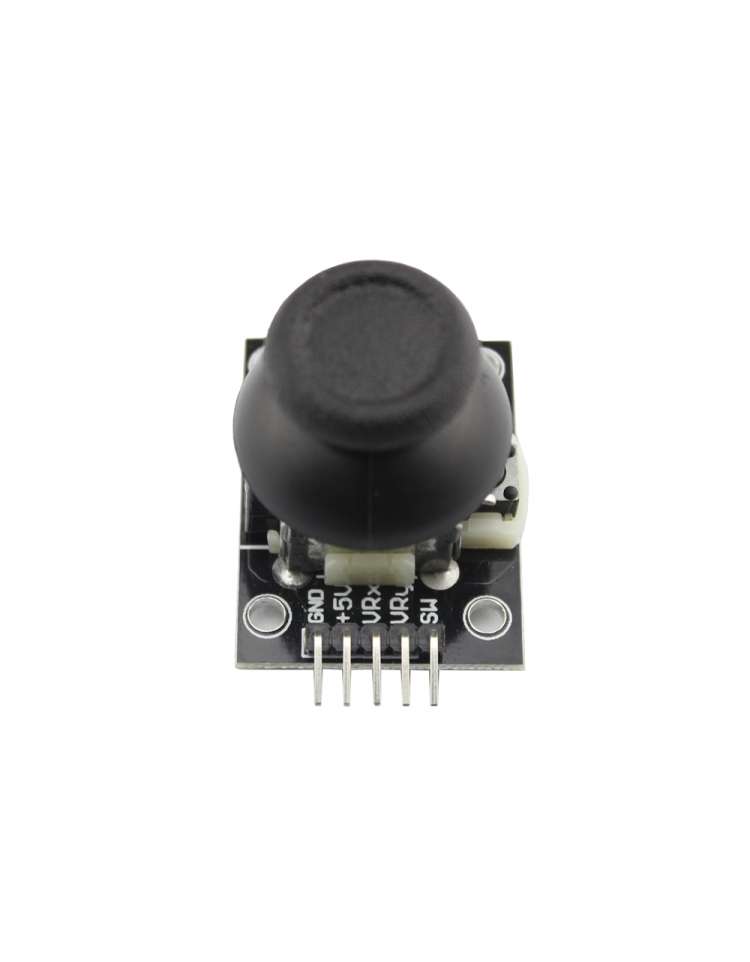
The KY-023 Dual-Axis XY Joystick Module (MPN: KY-023) is a compact PS2-style analog joystick sensor that gives your project full two-dimensional control. Two 10 kΩ potentiometers translate stick movement into analog voltage on the VRx and VRy pins, while a built-in push-button fires a digital signal when you press the stick straight down. With a 5-pin connector and no special libraries required, it is one of the most beginner-friendly input modules in any Arduino starter kit.
Key Features
- Dual-axis analog output (VRx / VRy): Two 10 kΩ potentiometers output a voltage proportional to stick position → smooth, continuous positional data on both X and Y axes
- Built-in push-button (SW): Activates (reads LOW) when the stick is pressed down → adds a Z-axis click action without extra components
- Wide supply voltage (3.3 V – 5 V): Compatible with both 5 V and 3.3 V microcontrollers → no level-shifting needed for most platforms
- No libraries required: Standard
analogRead()anddigitalRead()calls are all you need → zero setup overhead, ideal for beginners - PS2 joystick design: Familiar thumb-stick feel, sturdy mechanical construction → reliable for games, robots, and RC projects
Pinout & Wiring
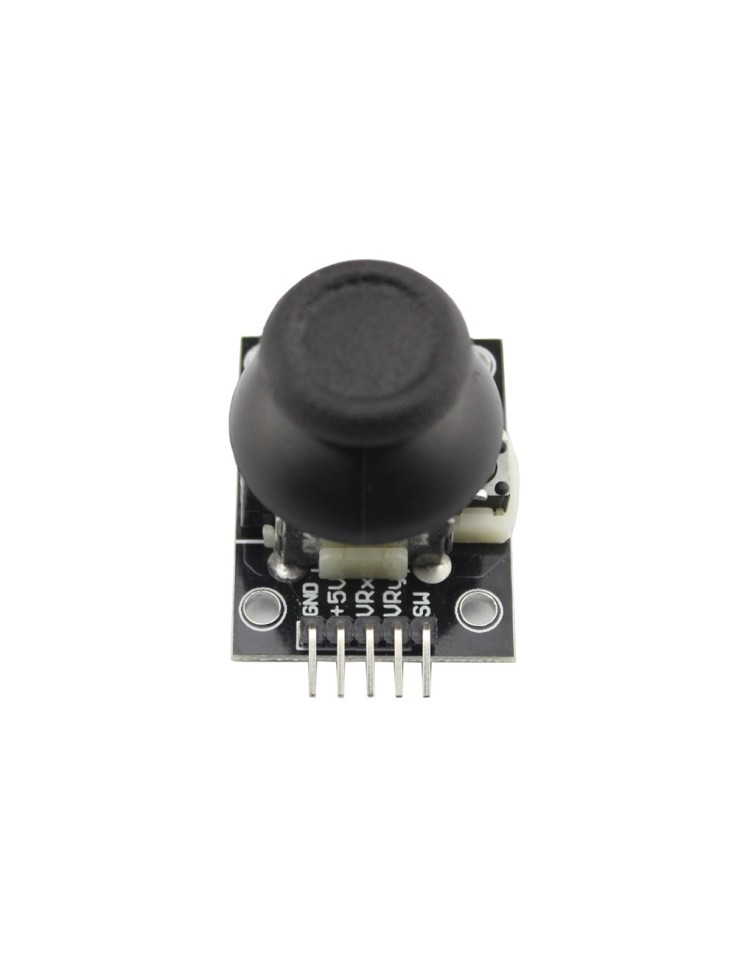
| Pin | Symbol | Description |
|---|---|---|
| 1 | GND | Ground — connect to MCU GND |
| 2 | +5V (VCC) | Power supply — 3.3 V or 5 V DC |
| 3 | VRx | Analog output — voltage proportional to X-axis position |
| 4 | VRy | Analog output — voltage proportional to Y-axis position |
| 5 | SW | Push-button output — reads LOW when stick is pressed |
Wiring note: Connect VCC to your MCU's 5 V (or 3.3 V) pin and GND to ground. Route VRx and VRy to two analog input pins, and SW to a digital input pin with INPUT_PULLUP enabled — no external resistor needed for the button.
Compatibility
- Arduino UNO / Nano / Mega (5 V): Direct connection — VRx and VRy output a 0–5 V range, perfectly matched to the 10-bit ADC
- ESP32 / ESP8266 (3.3 V): Power from the 3.3 V pin; analog output will be 0–3.3 V, within the safe ADC input range of these boards
- Raspberry Pi (3.3 V): Power from 3.3 V; use an external ADC (e.g. MCP3008) since the Raspberry Pi has no built-in ADC
Typical Applications
- RC robot control: Map VRx/VRy directly to motor speed and direction for a two-wheeled or tank-drive robot
- DIY game controllers: Build retro-style arcade or handheld games using Arduino and an OLED or TFT display
- Camera/gimbal pan-tilt: Drive two servo motors to pan and tilt a camera mount with intuitive thumb-stick precision
- Drone / RC car prototyping: Quickly prototype a custom transmitter before committing to dedicated RF hardware
- Menu navigation: Use X/Y axes to scroll through UI menus and SW to confirm selections on embedded displays
Technical Specifications
| Interface | 2× Analog output (VRx, VRy) + 1× Digital button (SW) |
| Operating Voltage | 3.3 V – 5 V DC |
| Analog Output Range | 0 V – VCC (varies with supply voltage) |
| Potentiometers | 2× 10 kΩ (X-axis and Y-axis) |
| Push-button logic | Active LOW (reads LOW when pressed) |
| Connector | 5-pin: +5V · GND · VRx · VRy · SW |
| Dimensions | 40 × 26 × 32 mm |
| MPN | KY-023 |
FAQ
Q: Do I need a special library to use the KY-023?
A: No. Both axes are standard analog signals read with analogRead(), and the button is read with digitalRead(). Any Arduino sketch can use it out of the box.
Q: Can I use the KY-023 with a 3.3 V board like the ESP32?
A: Yes. Power the module from the 3.3 V pin; the analog outputs will swing 0–3.3 V, which is within the safe input range of the ESP32's ADC.
⚠ Note: Connecting VCC to 5 V on a 3.3 V-only board (e.g. Raspberry Pi GPIO) may damage the board. Always match the supply voltage to your microcontroller's logic level.