Ελληνικά
Your cart
There are no more items in your cart
 Educational Products
 School Equipment
 Stationery
 STEM - Robotics - Programming
 Electronics
 Educational Toys & Construction Kits
 Tools & Adhesives
 Craft Materials
 Art Supplies

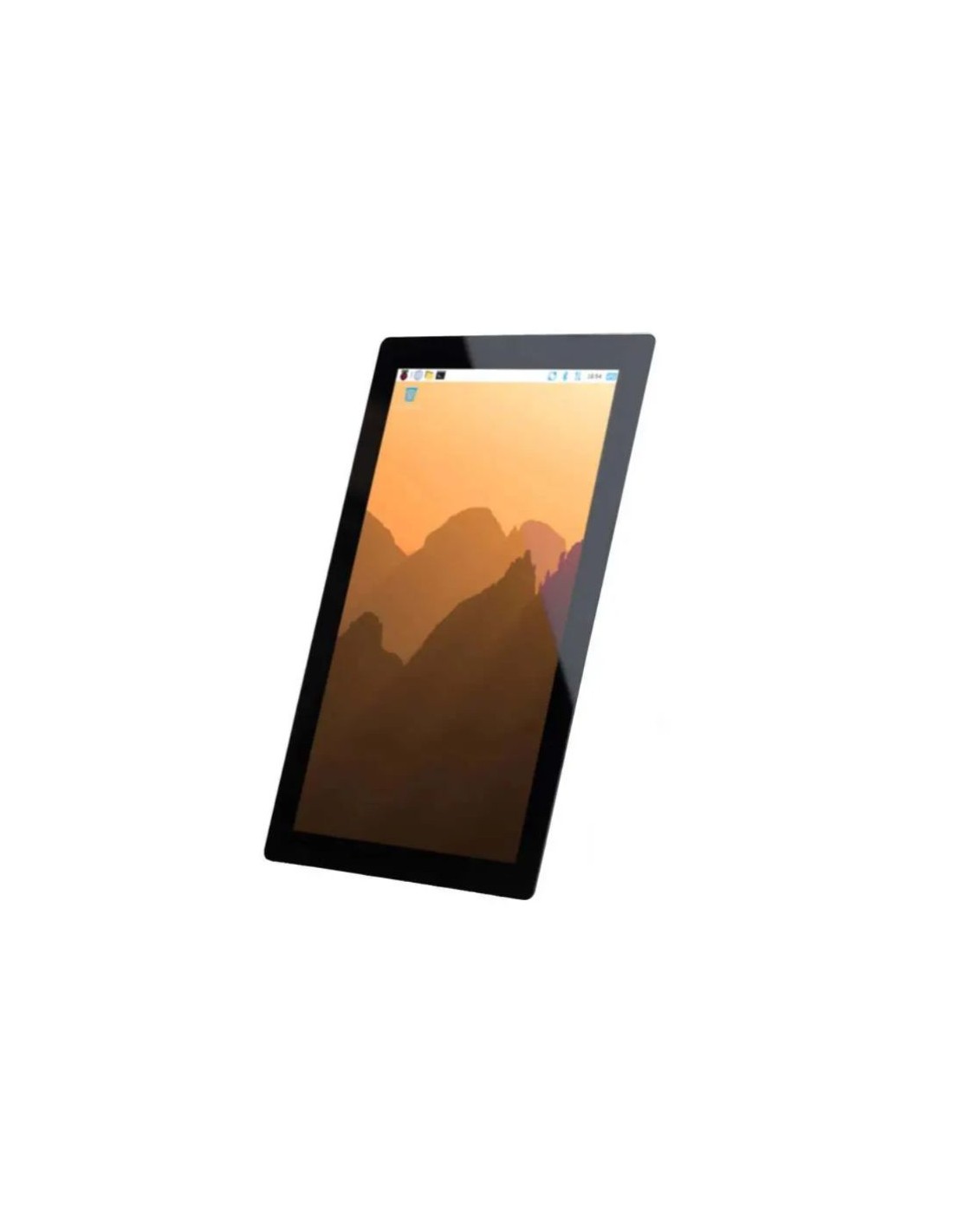
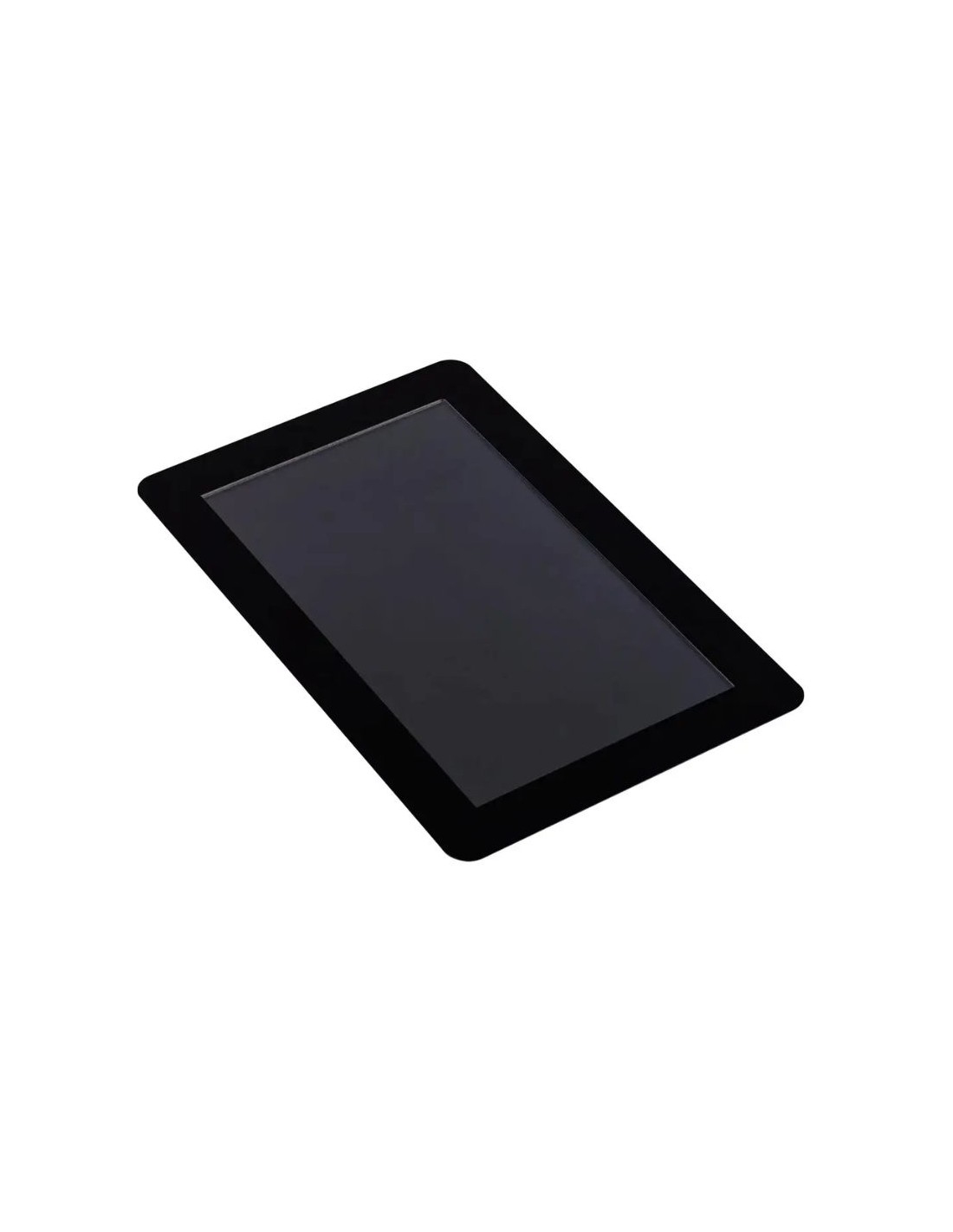
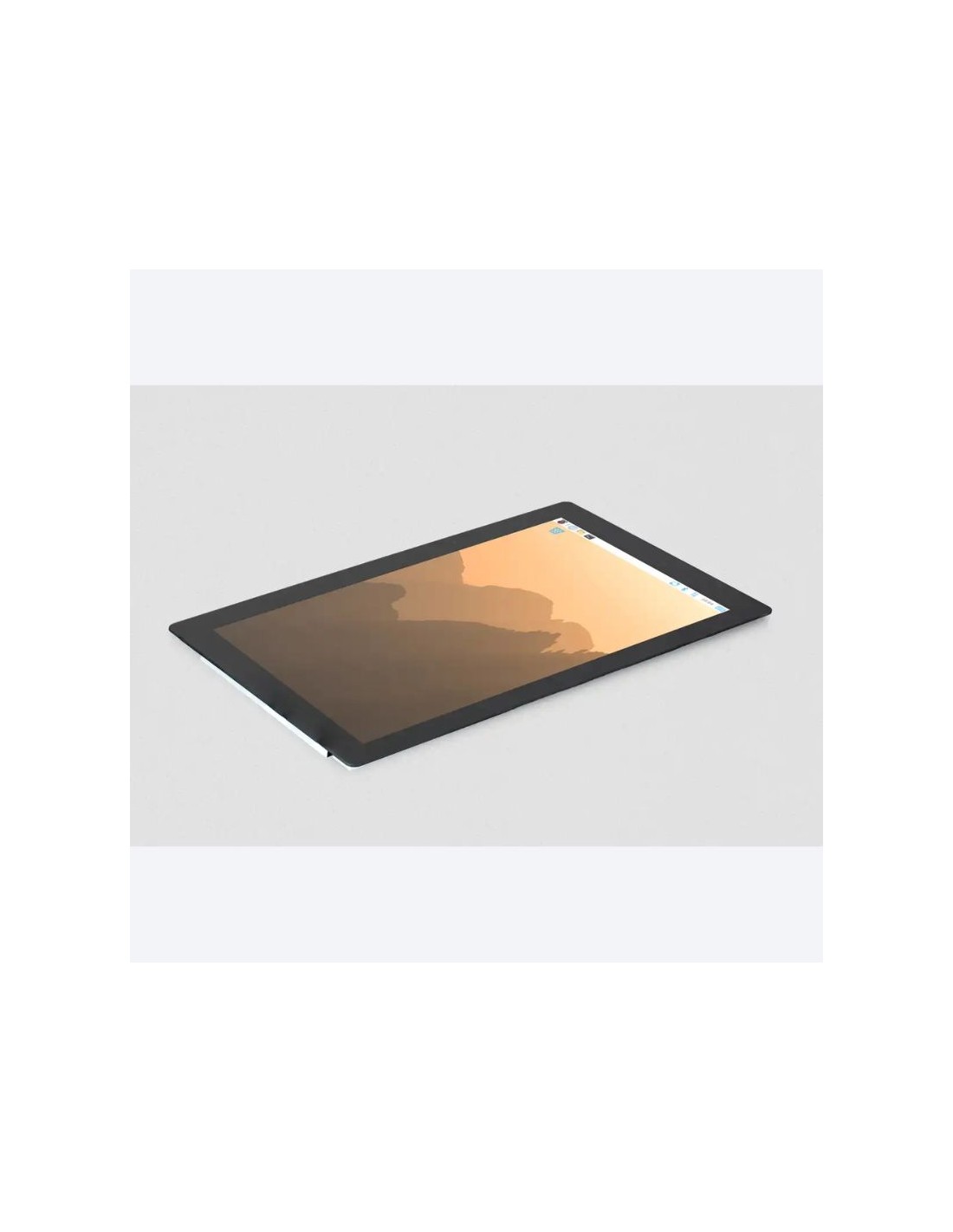
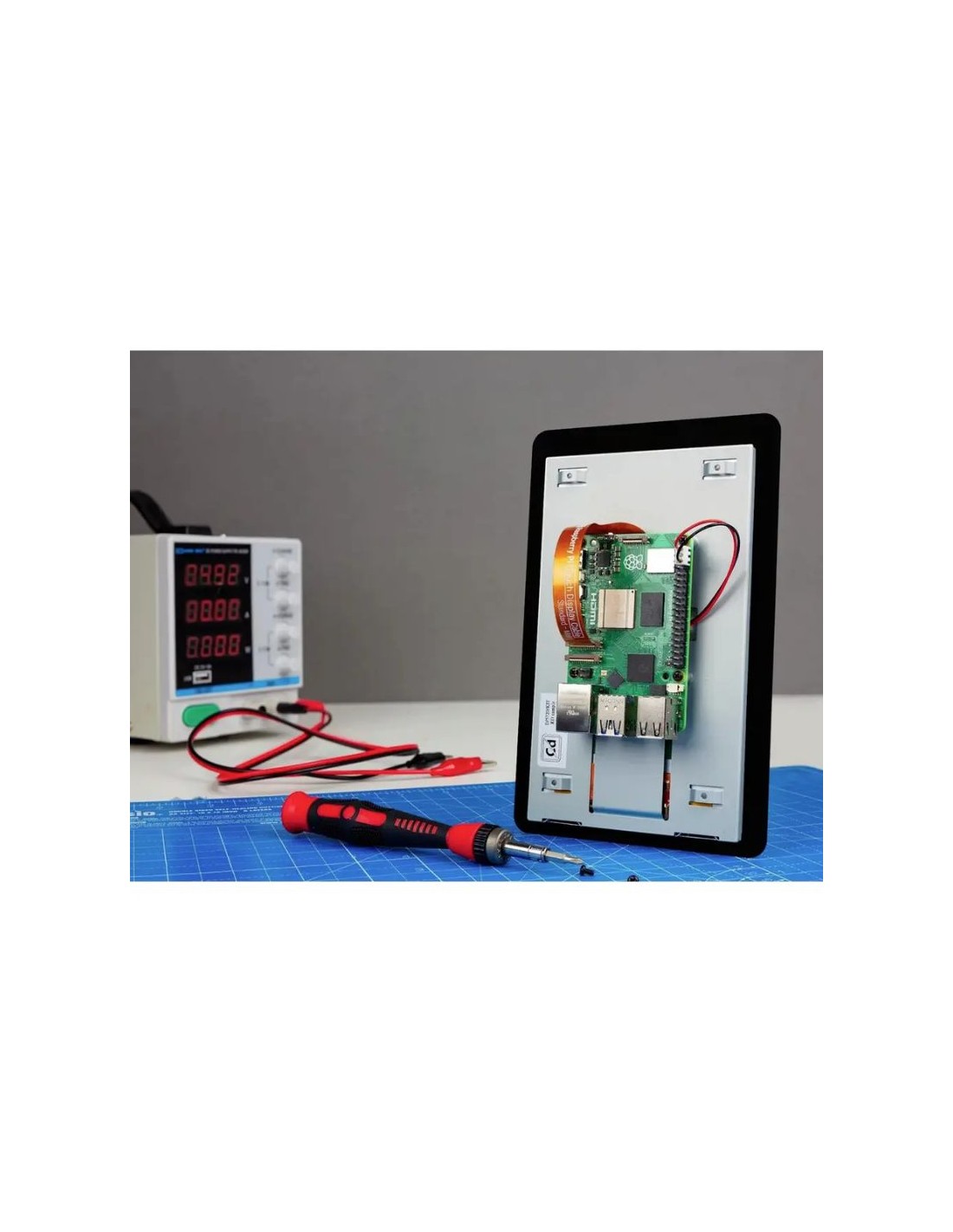
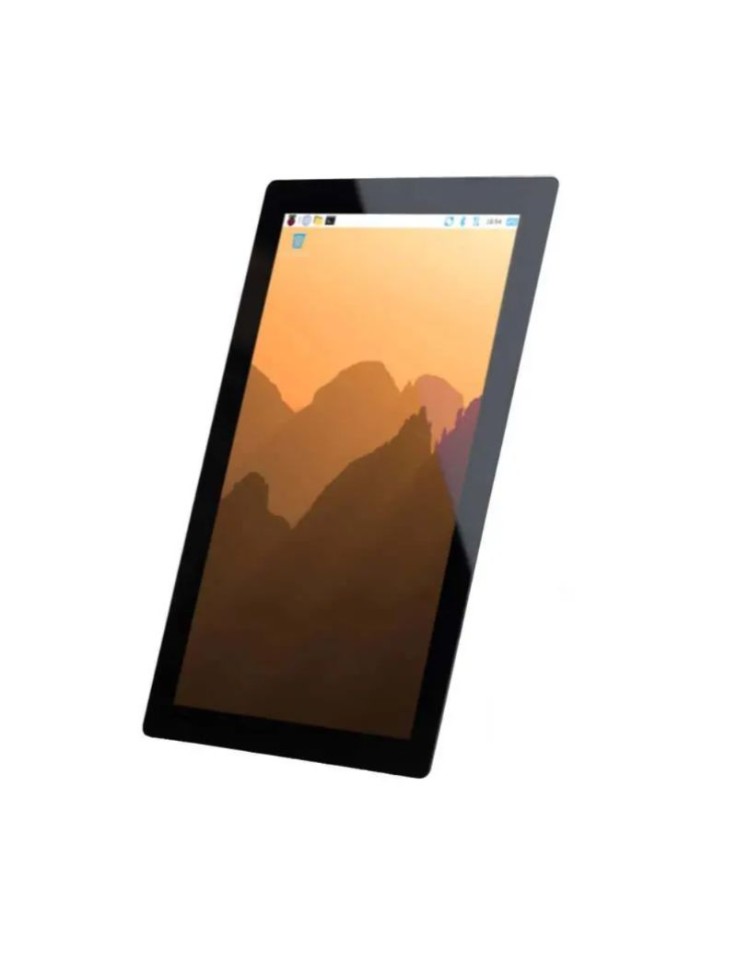
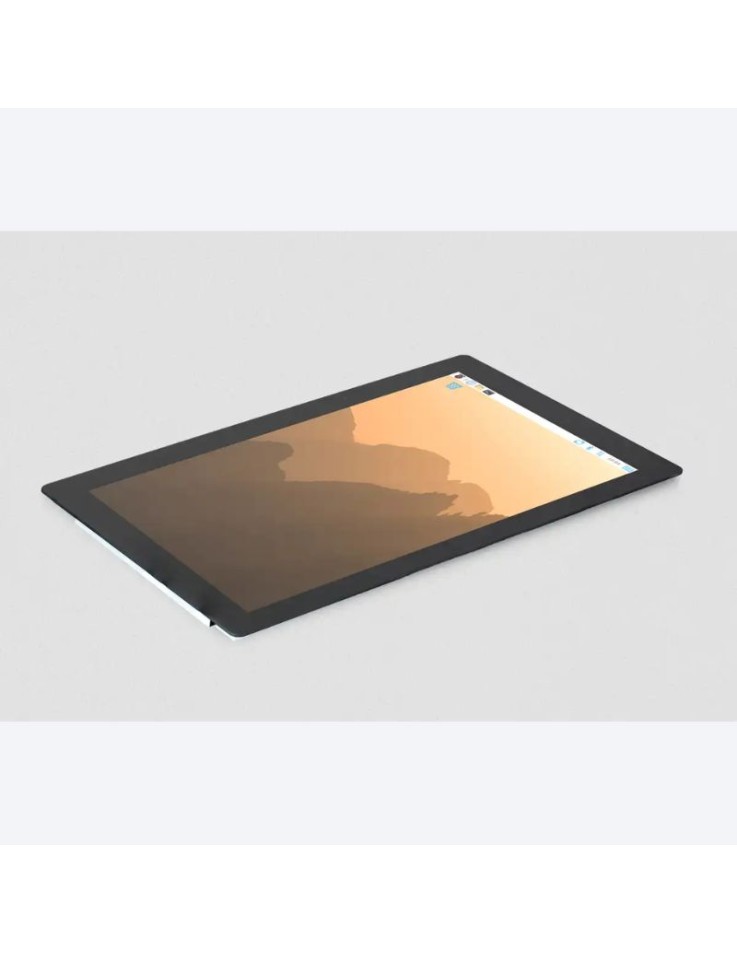
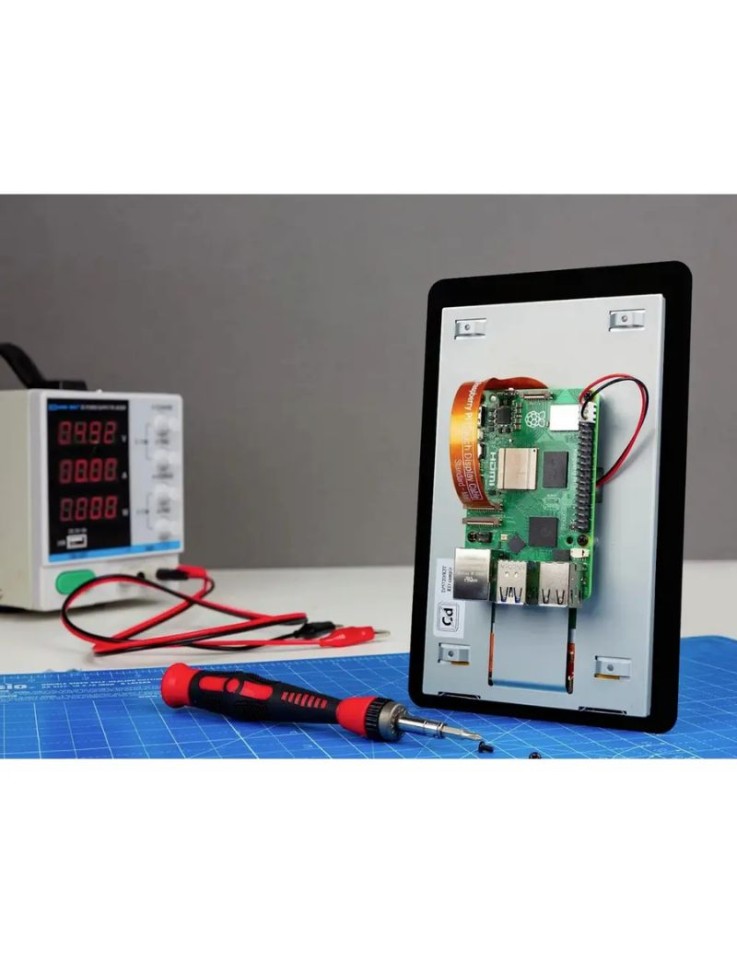
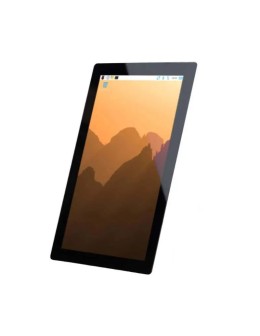
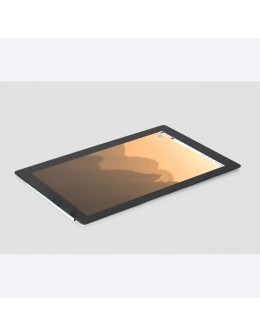
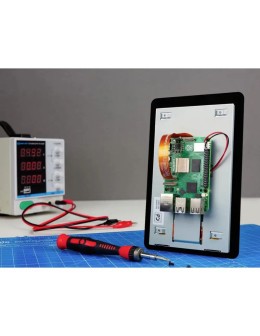
The Raspberry Pi Touch Display 2 10.1-inch is an IPS touchscreen with 1200 × 1920 pixels and ten-finger capacitive multi-touch, designed for the Raspberry Pi 5 and Raspberry Pi Compute Modules. It connects through a DSI ribbon cable, is powered from the GPIO header, and comes with a power cable, a mini-mini ribbon cable and eight M2.5 screws.
The Raspberry Pi Touch Display 2 (10.1-inch) is a capacitive touchscreen monitor for projects that need a built-in screen: control panels, dashboards, kiosks and portable devices. It uses an in-plane switching (IPS) TFT panel with 1200 × 1920 pixels, an anti-glare surface and true ten-finger multi-touch. It connects to the DSI port of a Raspberry Pi 5 or a Raspberry Pi Compute Module with a ribbon cable and takes its power from the GPIO header, so no separate display power supply is required.
| Specification | 5-inch | 7-inch | 10.1-inch (this product) |
| Resolution | 720 × 1280 | 720 × 1280 | 1200 × 1920 |
| Active area | 62.1 × 110.4 mm | 86.94 × 154.56 mm | 135.4 × 216.6 mm |
| Multi-touch | 5 fingers | 5 fingers | 10 fingers |
| Compatibility | Raspberry Pi computers with a DSI port, except the Zero line | Raspberry Pi computers with a DSI port, except the Zero line | Raspberry Pi 5 and Compute Modules only |
| Display diagonal | 10.1 inches |
| Panel type | IPS TFT LCD, normally black, transmissive |
| Resolution | 1200 × 1920 pixels, 24-bit RGB (portrait native) |
| Active area | 135.4 × 216.6 mm |
| Unit size | 166.9 × 248.1 mm |
| Viewing angle | 85 degrees |
| Backlight | 400 cd/m², 20,000 hours lifetime |
| Touch | Capacitive, ten-finger multi-touch, max response time 35 ms |
| Power consumption | 5.1 W (TFT 3.3 V at 340 mA, backlight 5 V at 800 mA) |
| Interface | DSI ribbon cable; power from the GPIO header |
| Operating temperature | -20 °C to +70 °C |
| Compatibility | Raspberry Pi 5 and Raspberry Pi Compute Modules only |
Which Raspberry Pi models is the 10.1-inch display compatible with?
The 10.1-inch Touch Display 2 is compatible with the Raspberry Pi 5 and Raspberry Pi Compute Modules only. For other Raspberry Pi models with a DSI port, choose the 5-inch or 7-inch Touch Display 2.
How is it connected and powered?
The picture and touch data go through the DSI ribbon cable, and power comes from the GPIO header through the included power cable. No separate power supply is needed for the display.
How many fingers does the touch panel recognise?
It is a true capacitive multi-touch panel that supports up to ten fingers at the same time.
Is the screen portrait or landscape?
The panel is portrait-native with 1200 × 1920 pixels. You can rotate the picture from the display settings of Raspberry Pi OS and use it in landscape.
Is a Raspberry Pi included?
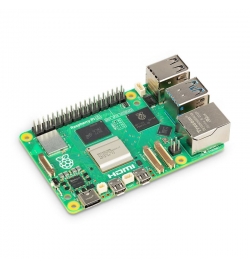
No. The display is sold on its own, and the Raspberry Pi 5 or Compute Module has to be purchased separately.
How much power does it use?
The total consumption is 5.1 W: the TFT draws 3.3 V at 340 mA and the LED backlight 5 V at 800 mA.