Ελληνικά
Your cart
There are no more items in your cart
 Educational Products
 School Equipment
 Stationery
 STEM - Robotics - Programming
 Electronics
 Educational Toys & Construction Kits
 Tools & Adhesives
 Craft Materials
 Art Supplies

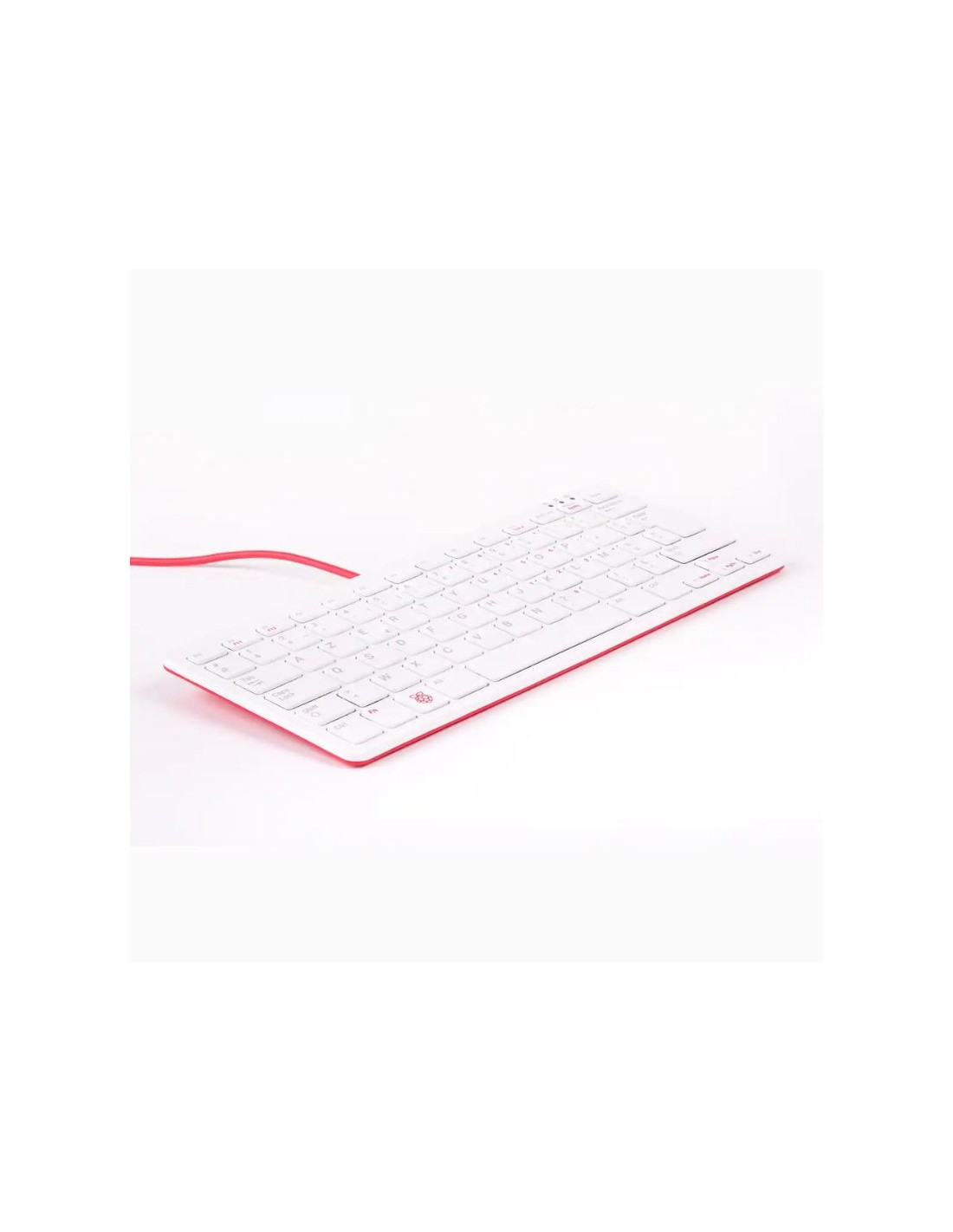
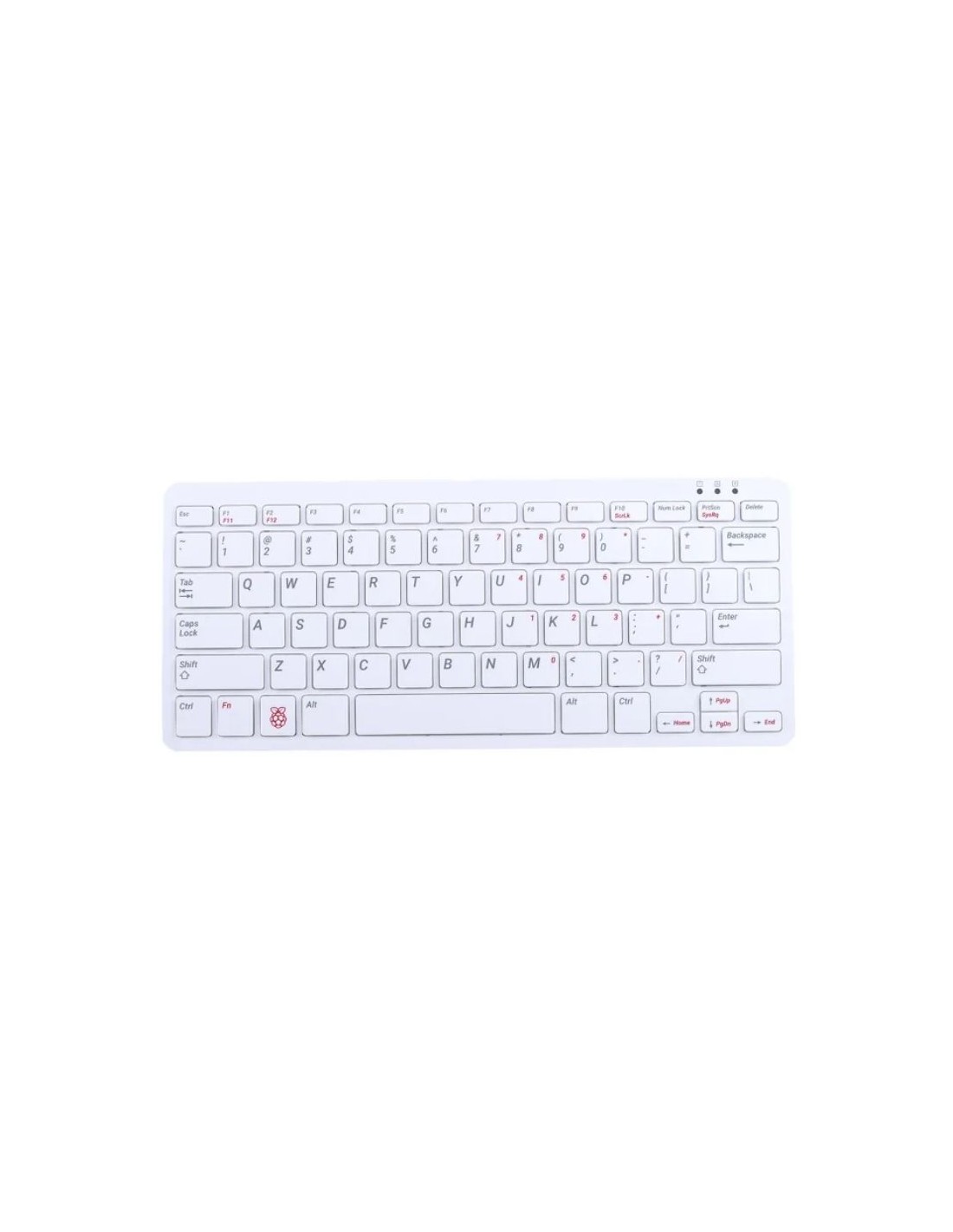
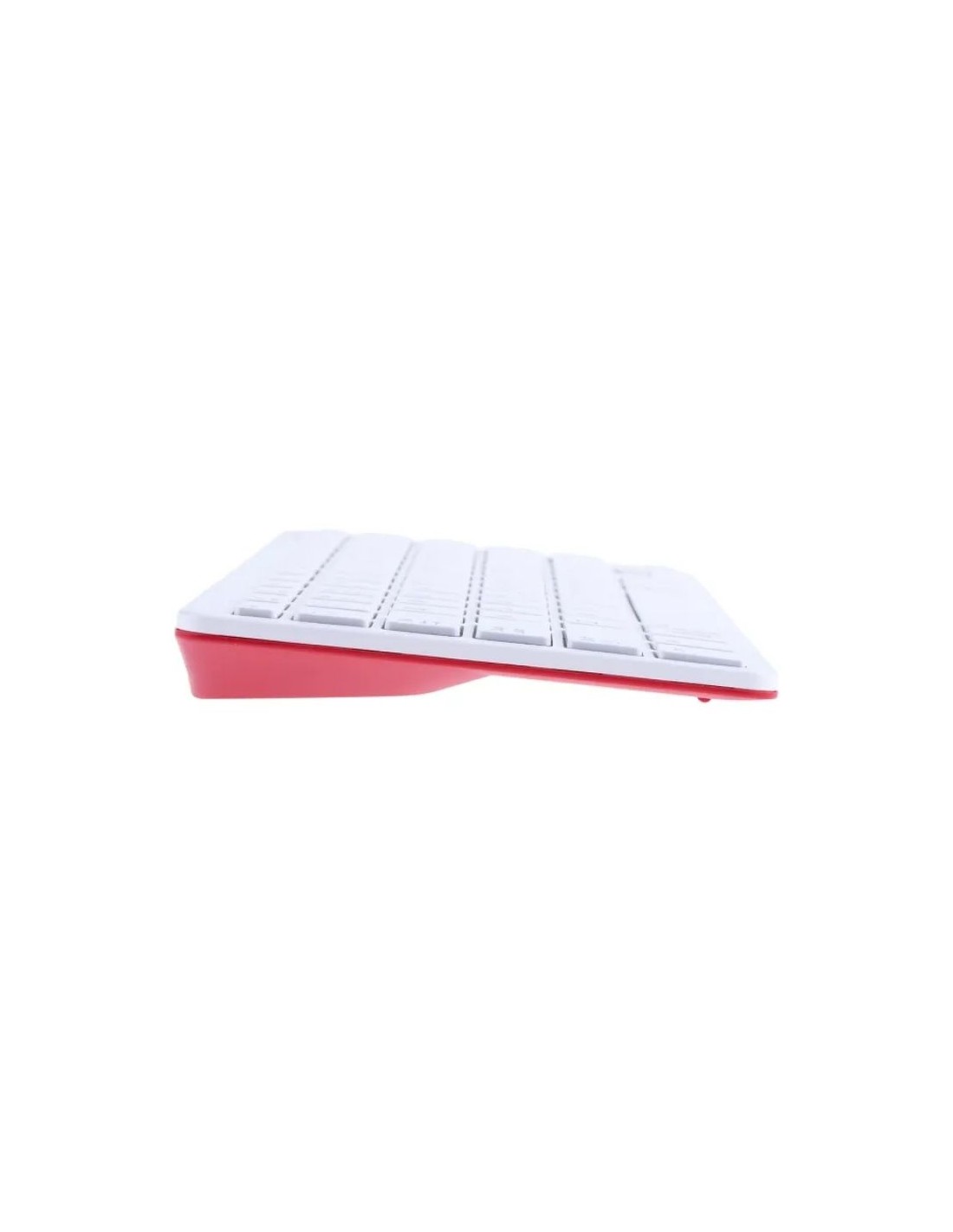
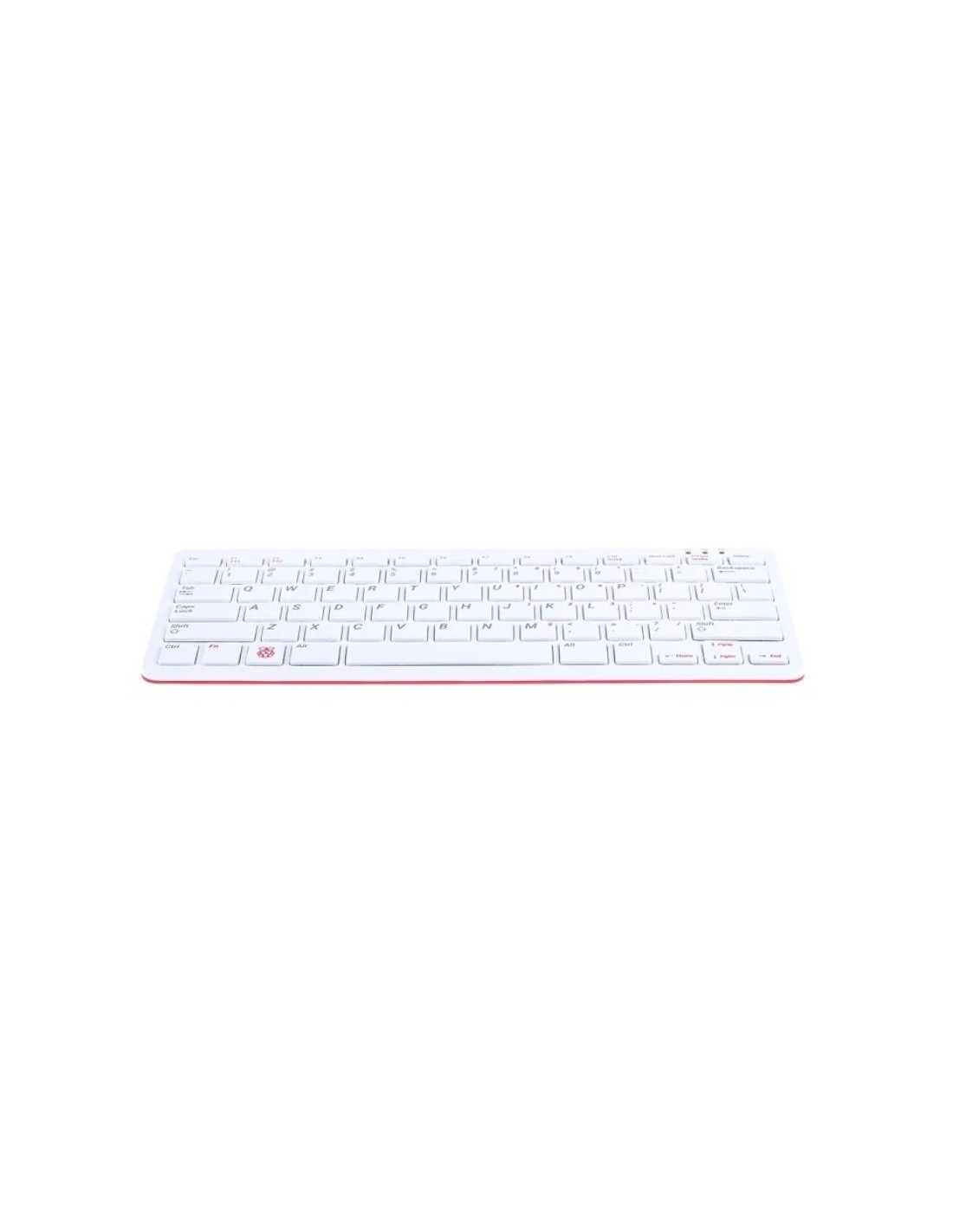
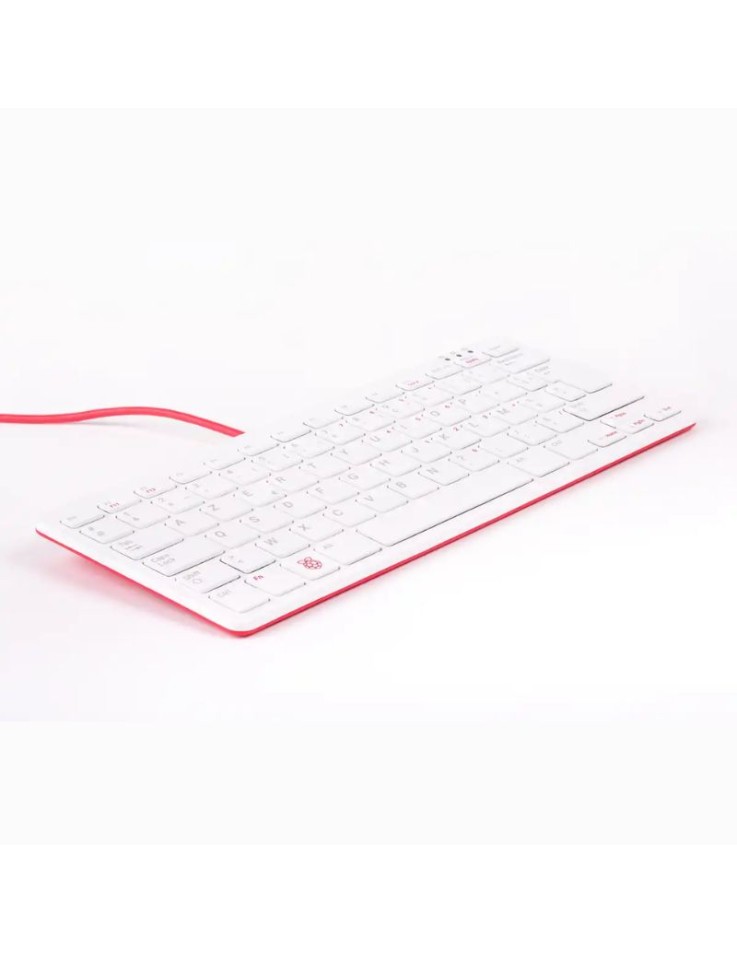
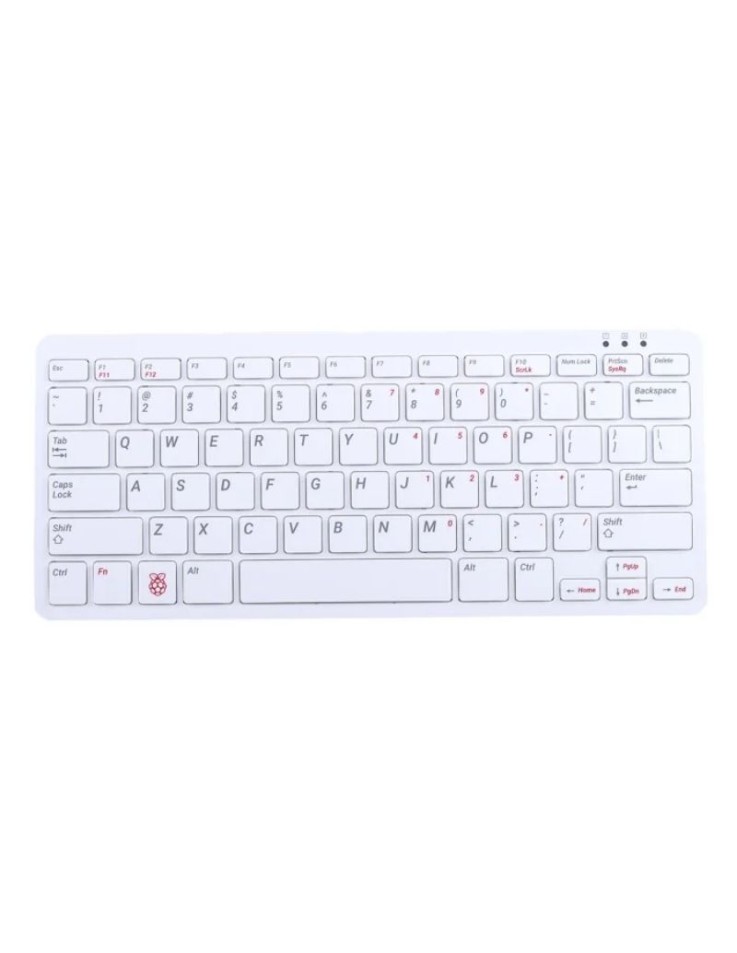
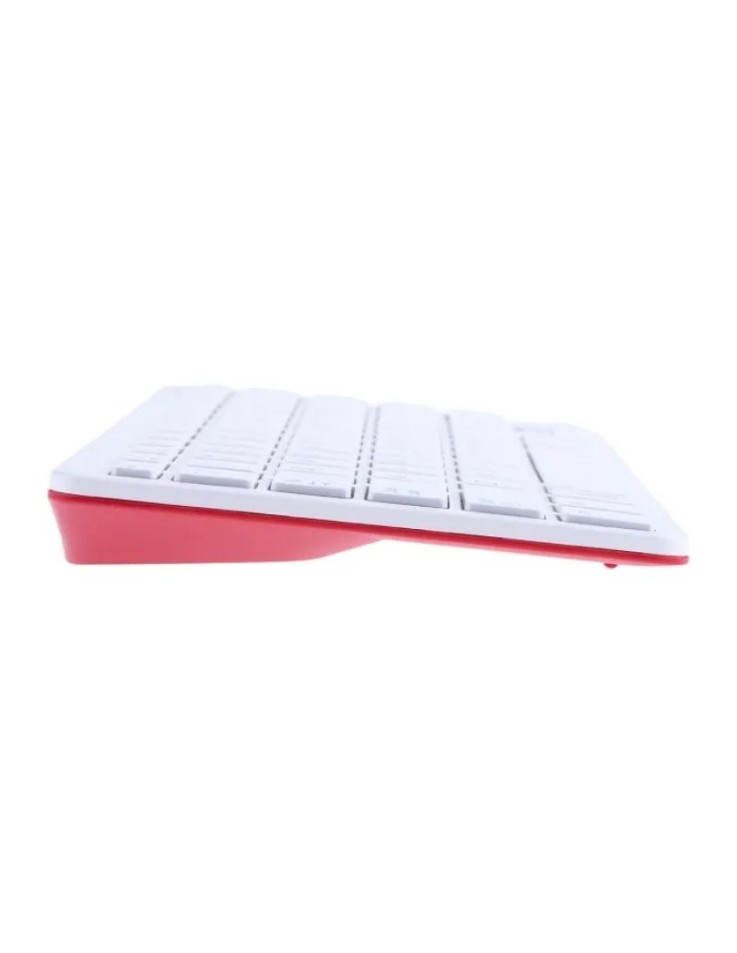
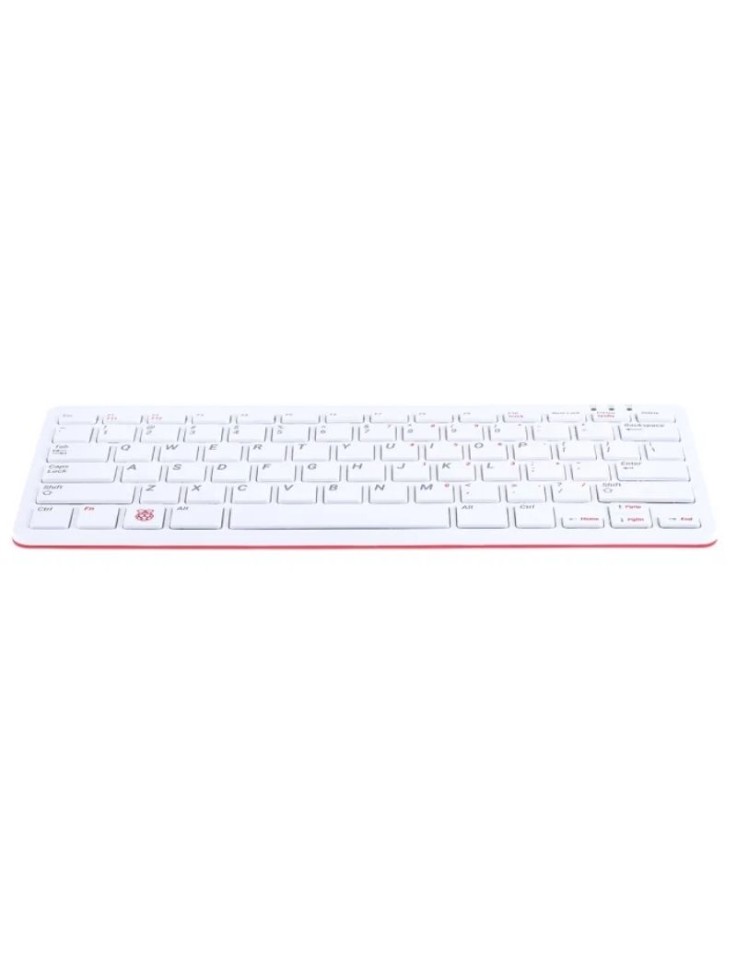
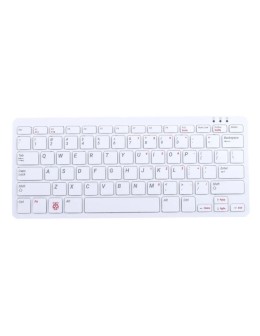
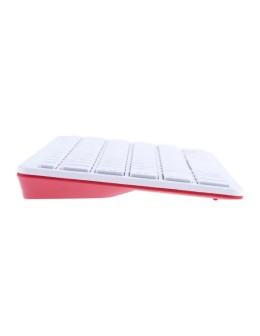
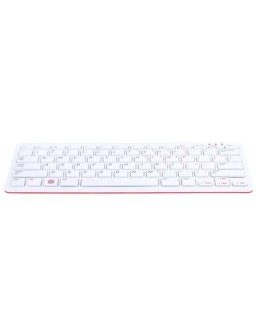
The Raspberry Pi keyboard in the classic red and white colours combines a compact 79-key keyboard with a built-in 3-port USB 2.0 hub. It connects with a single USB cable (included, 1.05 m), has LED indicators for Num Lock, Caps Lock and Scroll Lock, and is compatible with all Raspberry Pi products.
The Raspberry Pi keyboard and hub is a compact wired keyboard in the red and white colours of the Raspberry Pi range, with a built-in USB 2.0 hub that gives you three extra type A ports. A single cable connects both the keyboard and the hub to your Raspberry Pi, so a mouse and other peripherals can be plugged straight into the keyboard. It is a practical choice for desktop setups, classrooms and electronics labs.
| Colour | Red / White |
| Number of keys | 79 (78 on the US layout) |
| USB hub | 3 × USB 2.0 type A |
| Connection to computer | micro USB type B, with USB type A to micro USB type B cable |
| Cable length | 1050 mm |
| Indicators | Num Lock, Caps Lock, Scroll Lock |
| Dimensions | 284.80 × 121.61 × 20.34 mm |
| Weight | 269 g |
| Compatibility | all Raspberry Pi products |
| Conformity | CE and FCC declarations of conformity available |
How do I connect it to my Raspberry Pi?
Plug the micro USB type B end of the included cable into the keyboard and the USB type A end into a USB port of your Raspberry Pi. No separate power supply is needed for the keyboard.
Can I connect a mouse and other devices to it?
Yes. The three USB 2.0 type A ports of the hub let you connect a mouse, a USB drive or other peripherals, and keep more USB ports of the Raspberry Pi free. The Raspberry Pi Optical USB Mouse Red/White matches it in design.
Which computers is it compatible with?
It is designed for all Raspberry Pi products. The included cable can also be used to connect it to another compatible computer with a USB type A port.