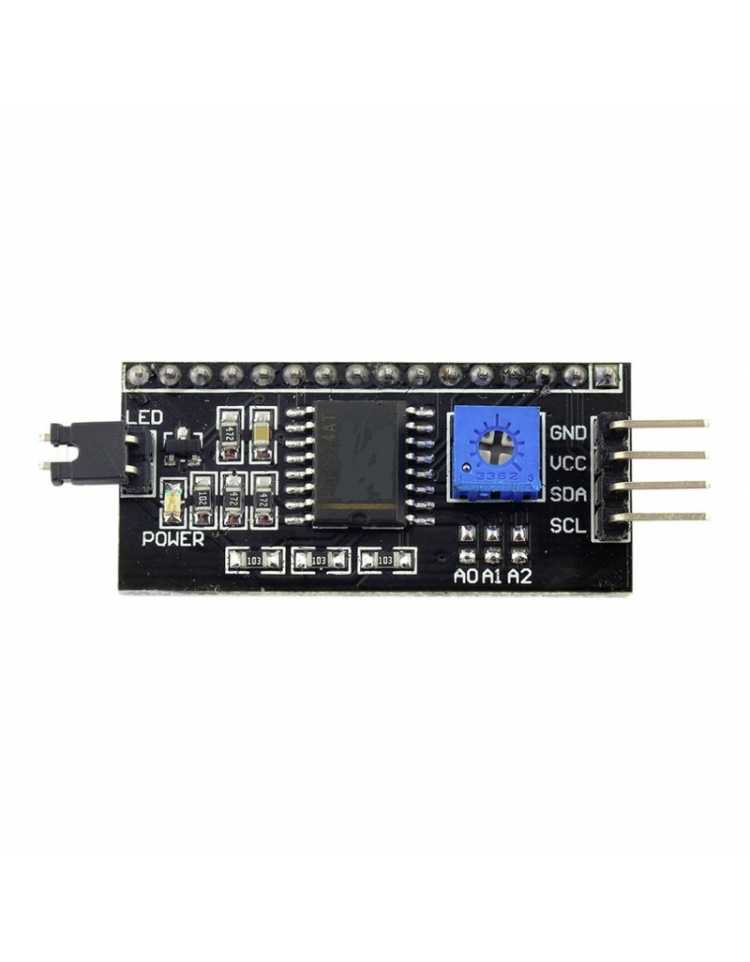
LCD Display I2C Interface Module

LCD Display I2C Interface Module

Arduino Modules
LCD120
Part.No: I2C
€2.25
In Stock
Immediate Dispatch
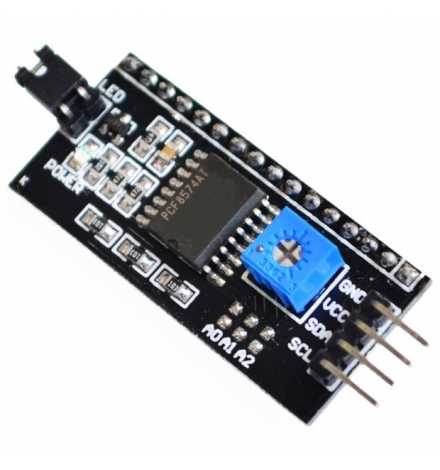
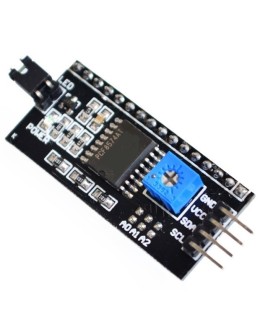
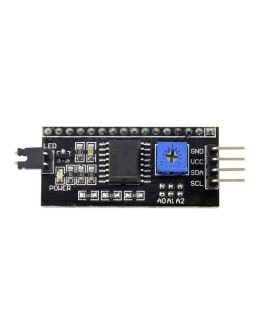
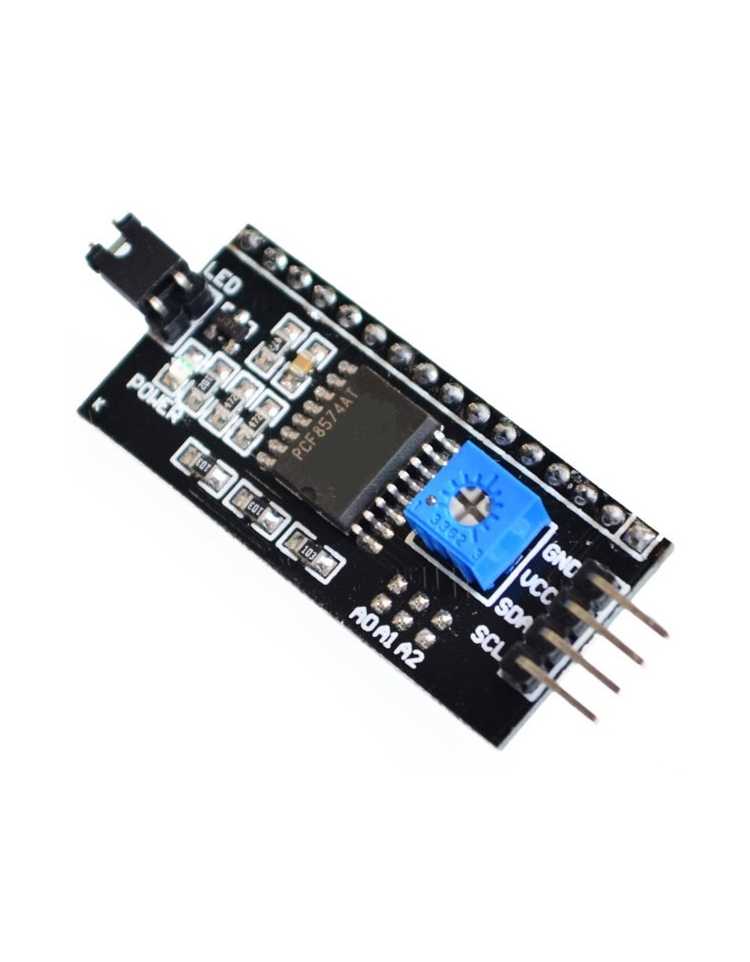
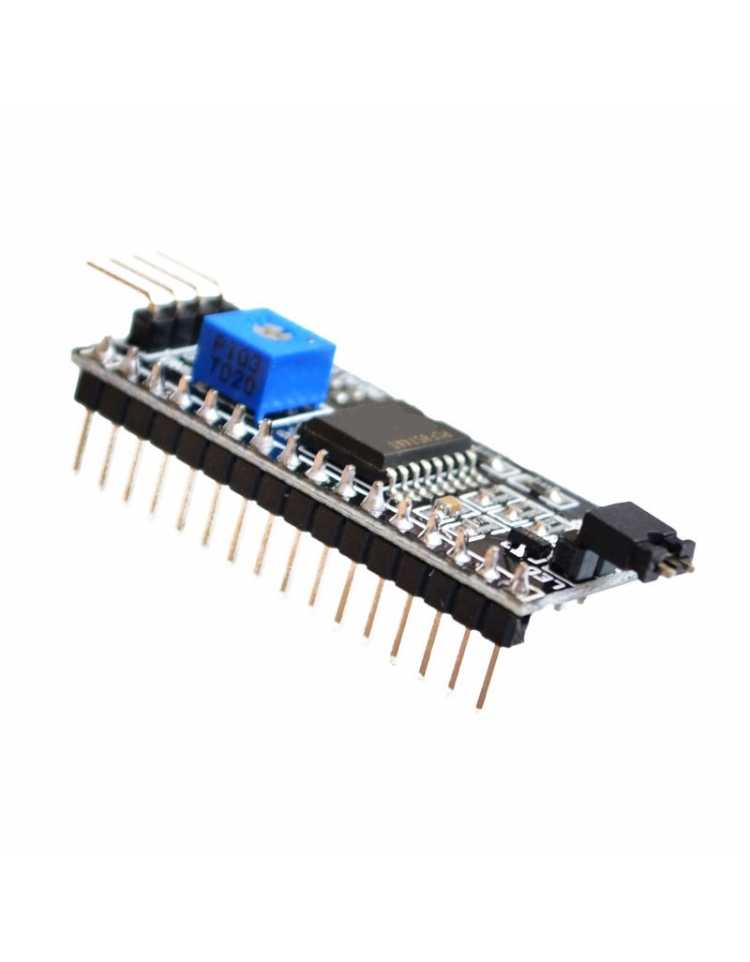
I2C Serial Interface Board Module (MPN: I2C) — converts your standard parallel LCD (16x2, 16x4, 20x4) to I2C, freeing up precious Arduino pins. Connect any compatible LCD display using only 2 wires (SDA & SCL). Address changeable for multi-device buses.


The I2C Serial Interface Board Module (MPN: I2C) is a compact adapter that converts the standard parallel interface of common LCD displays into an I2C serial connection, requiring only 2 signal wires (SDA and SCL) instead of 6–10 digital pins. If your Arduino project is packed with sensors, shields, or peripherals and you are running out of GPIO pins, this module is the practical solution that keeps your LCD display in the project without sacrificing valuable resources.

Key Features

  • I2C Interface: Uses only SDA and SCL lines → frees up to 8 digital pins on your microcontroller.
  • Changeable I2C Address: Onboard address-selection pads allow you to change the module's I2C address → enables multiple modules on the same bus.
  • Wide LCD Compatibility: Works with 16x2, 16x4, and 20x4 character LCD units → one module fits the most popular display sizes.
  • Backlight Power Control: Includes a dedicated backlight power control area (pin header and jumper not pre-soldered) → you can add or omit the jumper based on your design.

Pinout & Wiring

PINSymbolDescription
1GNDGround
2VCCPower Supply
3SDAI2C Data Line
4SCLI2C Clock Line

Connect GND and VCC to your board's power rails, then SDA to the SDA pin and SCL to the SCL pin of your microcontroller. On Arduino UNO/Nano, SDA is A4 and SCL is A5.

Compatibility

  • Arduino UNO / Nano / Mega: Fully compatible — connect SDA to A4 and SCL to A5 (UNO/Nano) or dedicated SDA/SCL pins (Mega). Works at 5V logic.
  • ESP32 / ESP8266: Compatible when powered at the correct voltage; confirm logic-level tolerance of your specific module before connecting directly.
  • Raspberry Pi: Compatible via hardware I2C pins (GPIO 2 / GPIO 3) at 3.3V — verify your module's voltage rating.

Typical Applications

  • Sensor data dashboards: Display temperature, humidity, or pressure readings on a 16x2 LCD without consuming extra GPIO pins already used by sensors.
  • Robotics & automation: Show status messages or motor speed on an LCD in a robot where pin count is critical.
  • DIY clocks & timers: Pair with an RTC module over the same I2C bus to display time and date on a 20x4 screen.
  • Prototyping & education: Ideal for university projects and maker workshops where quick, minimal-wiring LCD output is needed.
  • Menu systems: Build navigable menus for custom control panels using a 20x4 display and just 2 Arduino pins.

Technical Specifications

SpecificationValue
InterfaceI2C (Serial)
Compatible LCD Sizes16x2, 16x4, 20x4 character LCDs
I2C AddressChangeable (via onboard pads)
Backlight ControlYes (pin header & jumper, not pre-soldered)
MPNI2C

Frequently Asked Questions

Q: Do I need to solder anything before using this module?
A: The module connects directly to your LCD's 16-pin header. However, the backlight control pin header and jumper are not pre-soldered — you will need to solder your own pins if you want hardware backlight control.

Q: Can I use two of these modules on the same Arduino?
A: Yes. The onboard address-selection pads let you assign different I2C addresses to each module, so multiple units can share the same SDA/SCL bus.

Package Contents: 1× I2C Serial Interface Board Module

Note: Pin header and jumper for backlight power control are not included. Solder your own pins as needed. This module is an adapter board only — LCD display is not included.
16 other products in the same category:
Product added to wishlist
Product added to compare.