Ελληνικά
Your cart
There are no more items in your cart

 Educational Products
 School Equipment
 Stationery
 STEM - Robotics - Programming
 Electronics
 Educational Toys & Construction Kits
 Tools & Adhesives
 Craft Materials
 Art Supplies
.png) Cyber Monday Offers

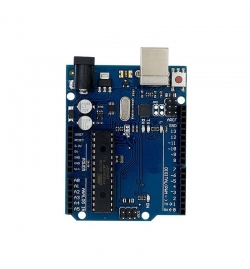
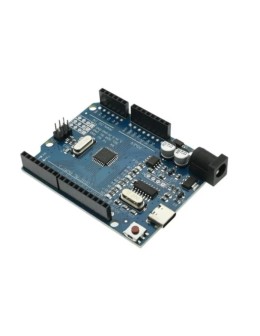
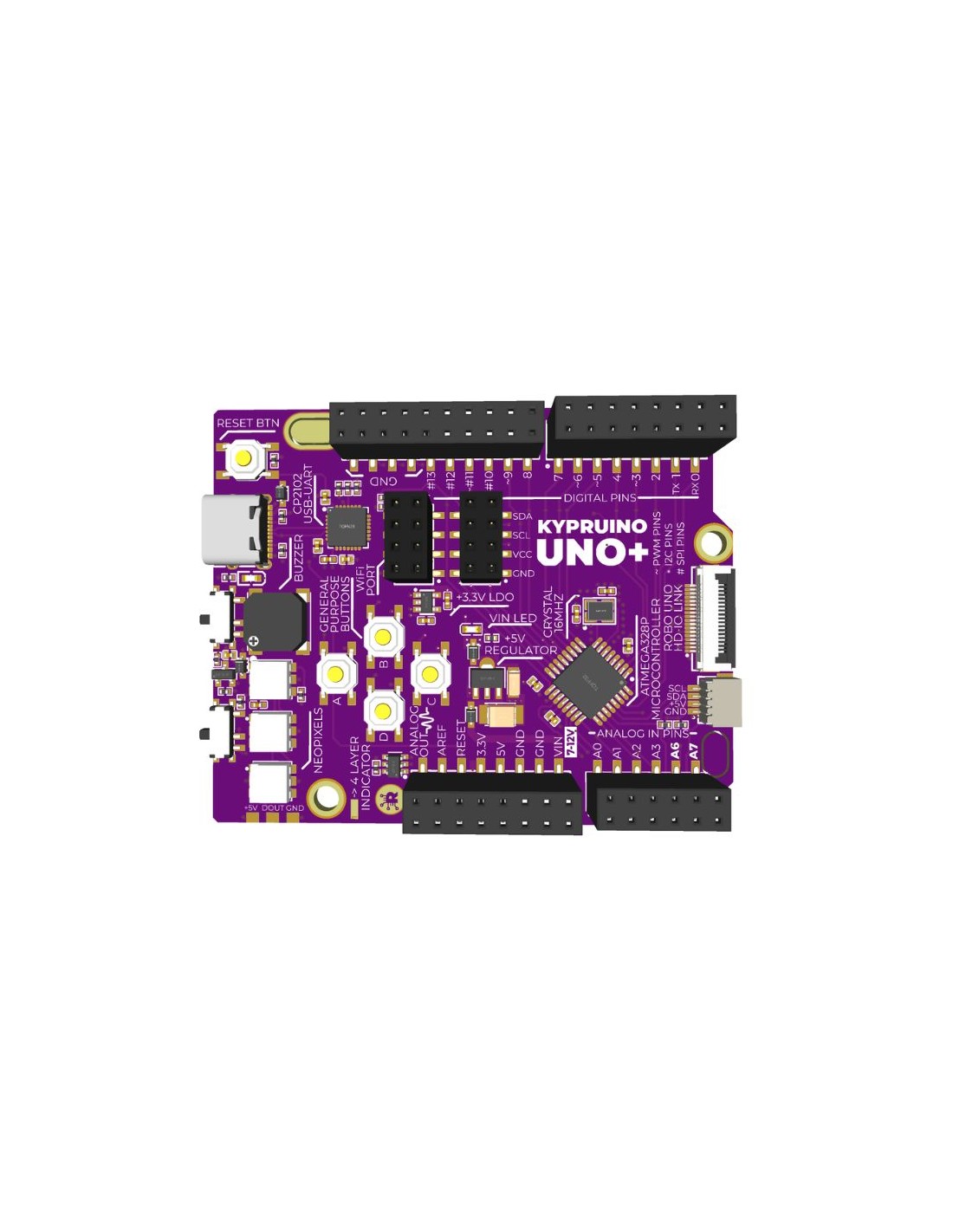
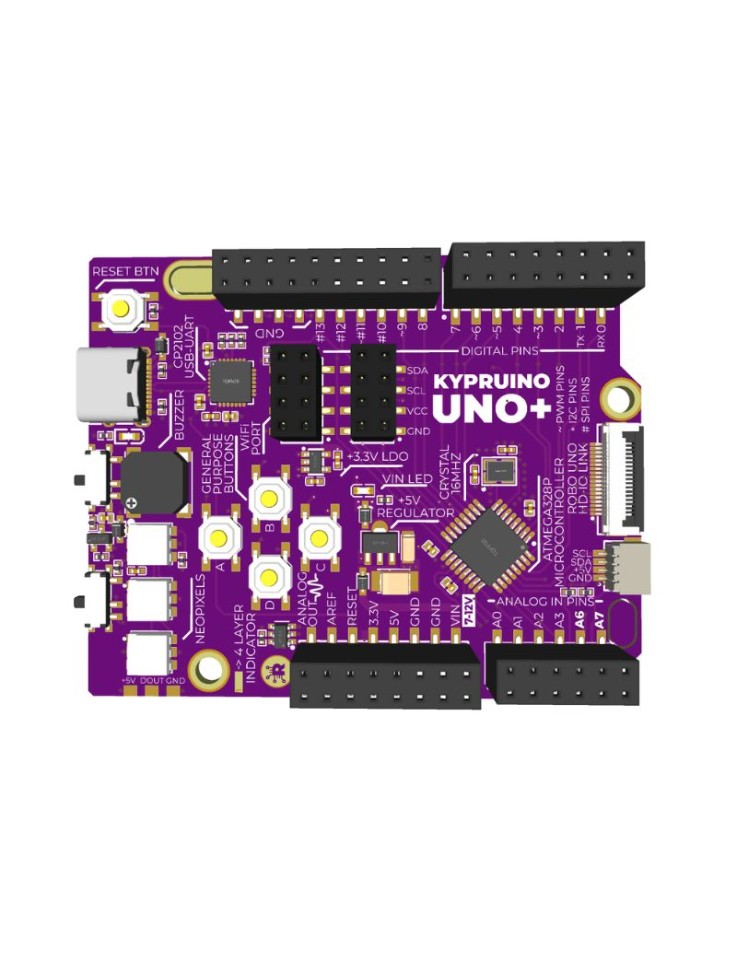
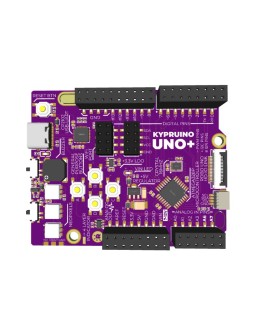
The Kypruino v0.8.2 is an Arduino UNO R3 compatible board by ROBO CY with USB-C, 12-bit DAC, ROBO-HDIO Link, I2C Plug-&-Play, 4 buttons, RGB LED, buzzer, and full Kypruino Studio & AI STEM Buddy support.
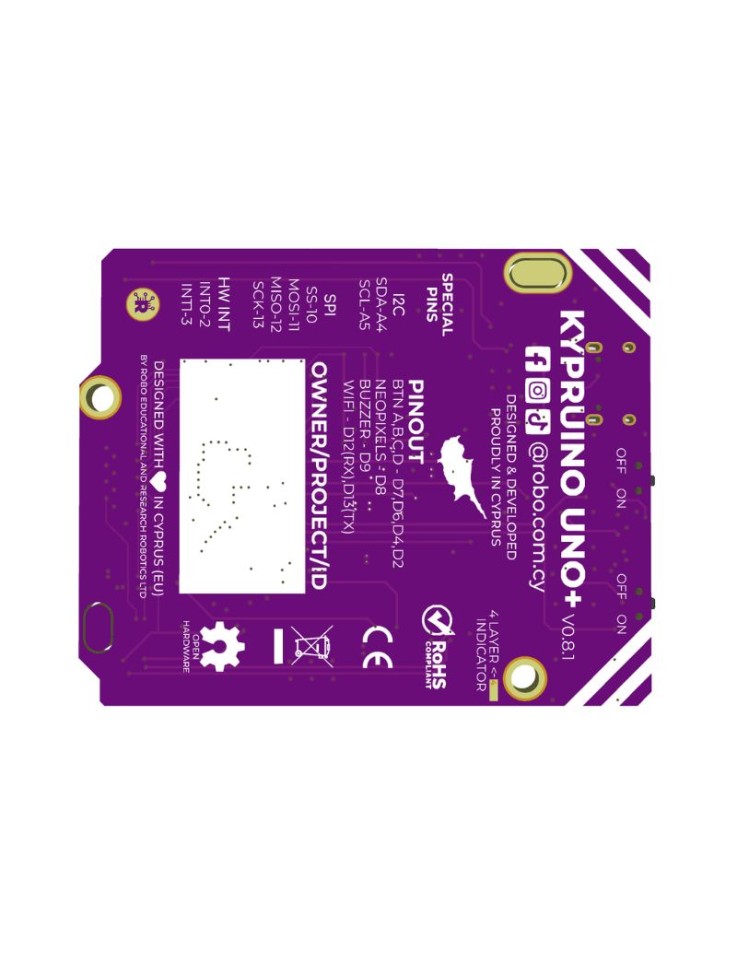
The Kypruino v0.8.2 (SKU: ARD081) is the latest version of ROBO CY's Arduino UNO R3 compatible platform — redesigned for serious robotics, cleaner expansion, and modern STEM tooling. It is built to work with the vast Arduino ecosystem (libraries, shields, tutorials) while adding features not found in the classic UNO, such as the ROBO-HDIO Link, extra analog inputs and a hardware analog output.
| Feature | Specification |
|---|---|
| Analog Inputs | 6 + 2 additional (A0–A7) — NEW in v0.8.2 |
| Analog Output (DAC) | 12-bit DAC — Analog OUT for Signal Generator |
| USB | USB-C (programming / data) |
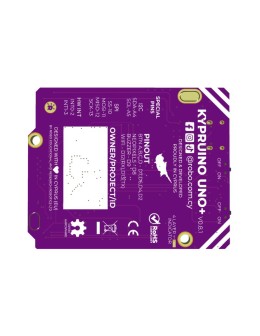
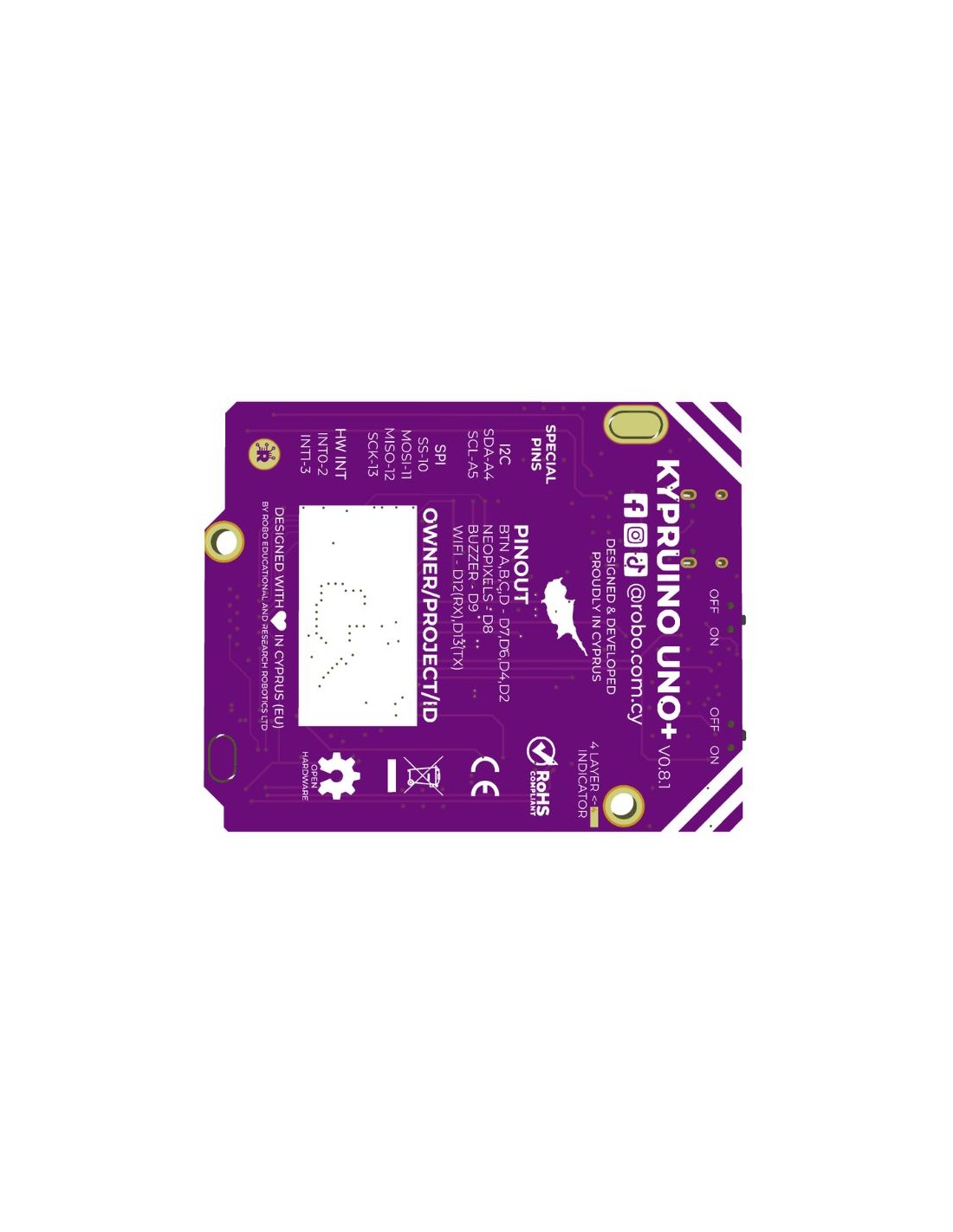
| PCB | 4-layer PCB for improved signal integrity & reliability |
| On-board extras | RGB LED, 4× buttons, buzzer, ROBO-HDIO Link |
| I2C | I2C Plug-&-Play |
| Shield Compatibility | Arduino UNO R3 compatible |
| Ecosystem | Kypruino Studio + AI Robo STEM Buddy |

Kypruino Studio is a modern, web-based platform that runs directly in the browser — no installation needed. Built for Kypruino and RoboRover, it offers:

To make your journey even easier, the ROBO CY team has prepared a list of 20 ready-made projects and exercises that guide you from the basics to complex robotics builds — step by step.

Is the Kypruino v0.8.2 compatible with standard Arduino UNO shields and libraries?
Yes — Kypruino is designed to be Arduino UNO R3 compatible, so you can reuse the Arduino ecosystem (libraries, examples, shields and tutorials). The new features (ROBO-HDIO Link, DAC, extra analog inputs) are additions not found on the classic UNO.
What do I need to get started?
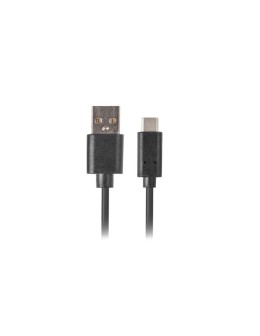
A USB-C cable with data transfer capability (not charge-only), plus the Arduino IDE, PlatformIO or Kypruino Studio (browser-based). The free Greek introductory book covers everything from scratch.
What is the ROBO-HDIO Link and what does it do?
It is a high-density I/O connector that enables expansion to advanced robotics platforms with cleaner wiring — replacing multiple individual jumper cables with a structured connection, reducing errors and increasing reliability in multi-sensor and multi-actuator builds.