Ελληνικά
Your cart
There are no more items in your cart

 Educational Products
 School Equipment
 Stationery
 STEM - Robotics - Programming
 Electronics
 Educational Toys & Construction Kits
 Tools & Adhesives
 Craft Materials
 Art Supplies
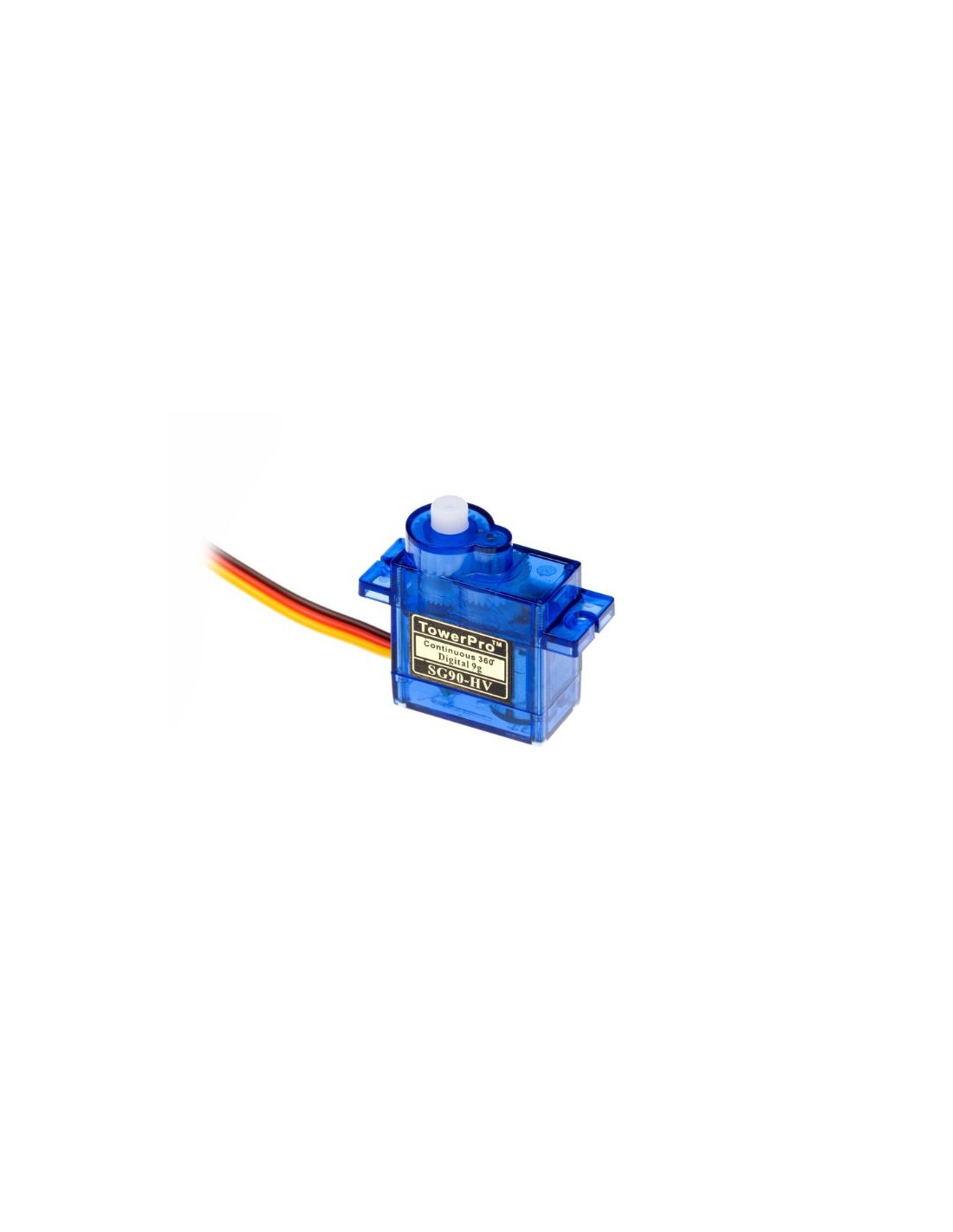
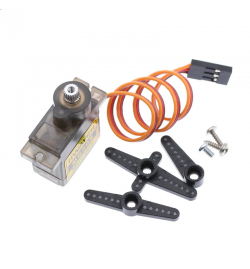
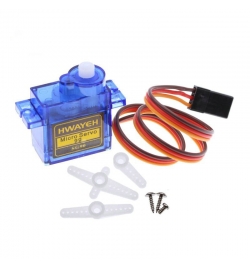
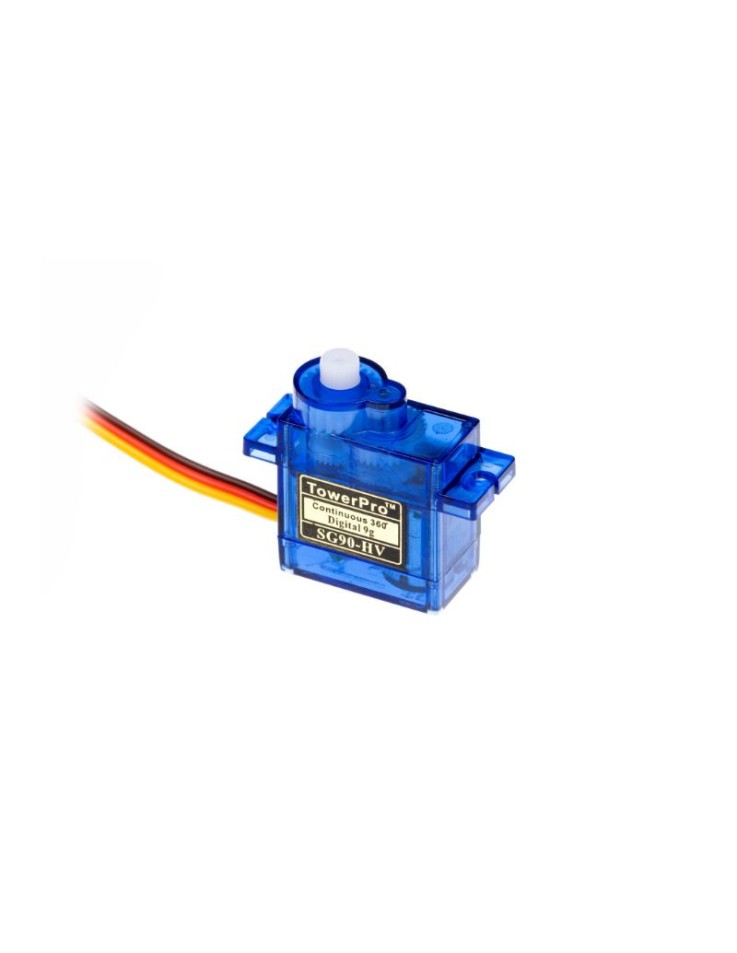
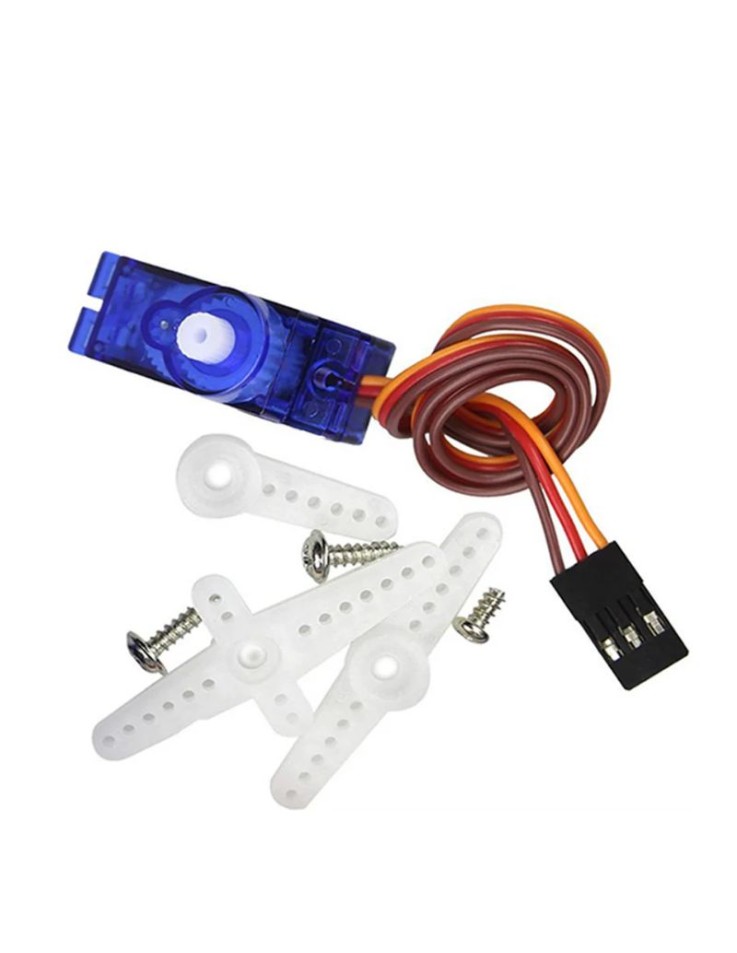
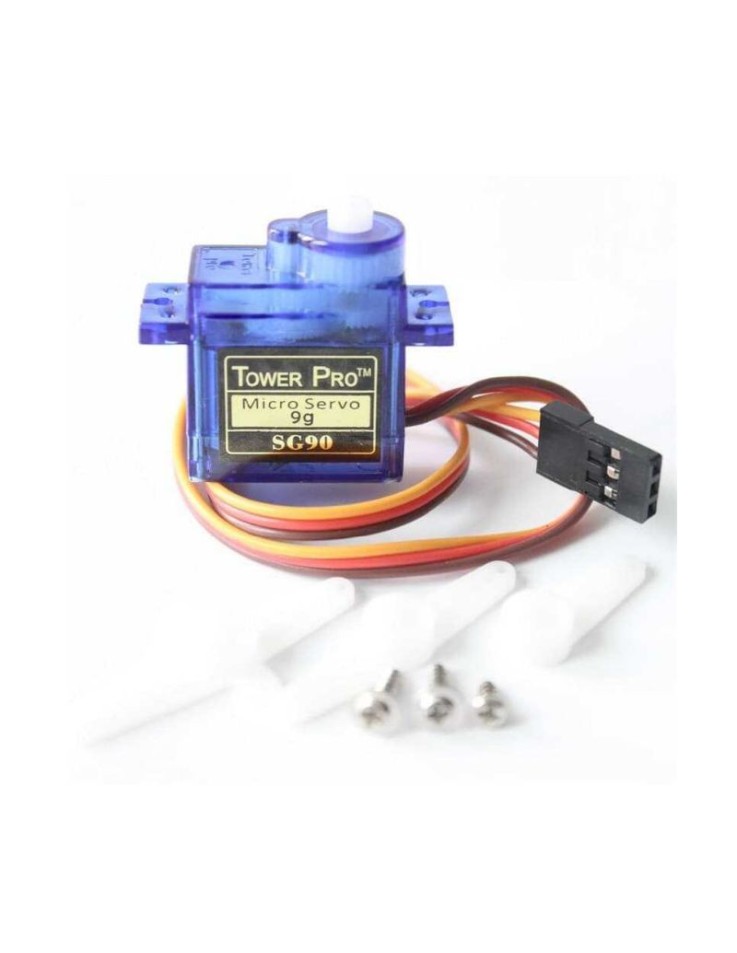
The SG90-360 Micro Servo Motor (MPN: SG90-360) is the continuous rotation variant of the iconic SG90 servo — one of the most widely used servo motors in the maker and robotics community. Unlike standard 180° servo motors that move to a fixed angle and stop, the SG90-360 spins continuously in either direction, making it the go-to choice for wheels, conveyor mechanisms, and any application that demands unlimited rotational movement. At just 9 grams, it delivers an exceptional balance of compact size and usable torque for its class.
| Wire Colour | Symbol | Description |
|---|---|---|
| Orange / Yellow | SIG | PWM control signal from microcontroller |
| Red | VCC | Power supply positive |
| Brown / Black | Ground / power supply negative |
Wiring note: Connect the SIG wire to any PWM-capable digital pin on your Arduino (e.g. D9). Power the servo from a 5V supply; avoid drawing servo power from the Arduino 5V pin under load — use a separate supply for best stability.
Servo.h library. Use servo.write(90) to stop, values above/below 90 control direction and speed.| Interface | PWM (standard hobby servo signal) |
|---|---|
| Rotation | Continuous 360° |
| Weight | 9 g |
| Brand | OEM |
| MPN | SG90-360 |
| EAN | — |
Q: What is the difference between the SG90-360 and the standard SG90?
A: The standard SG90 rotates to a set angle (0–180°) and holds position. The SG90-360 removes the mechanical stop and feedback potentiometer, allowing continuous spinning in both directions — speed and direction are controlled by the PWM pulse width.
Q: How do I stop the SG90-360 from spinning?
A: Send a PWM pulse corresponding to the neutral point (typically servo.write(90) with the Arduino Servo library). The exact neutral value may vary slightly per unit and can be trimmed in code.