Ελληνικά
Your cart
There are no more items in your cart
 Educational Products
 School Equipment
 Stationery
 STEM - Robotics - Programming
 Electronics
 Educational Toys & Construction Kits
 Tools & Adhesives
 Craft Materials
 Art Supplies
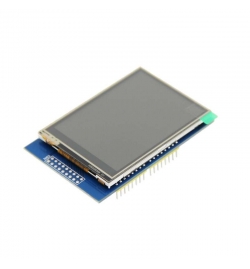
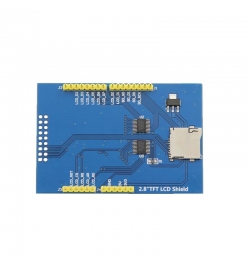
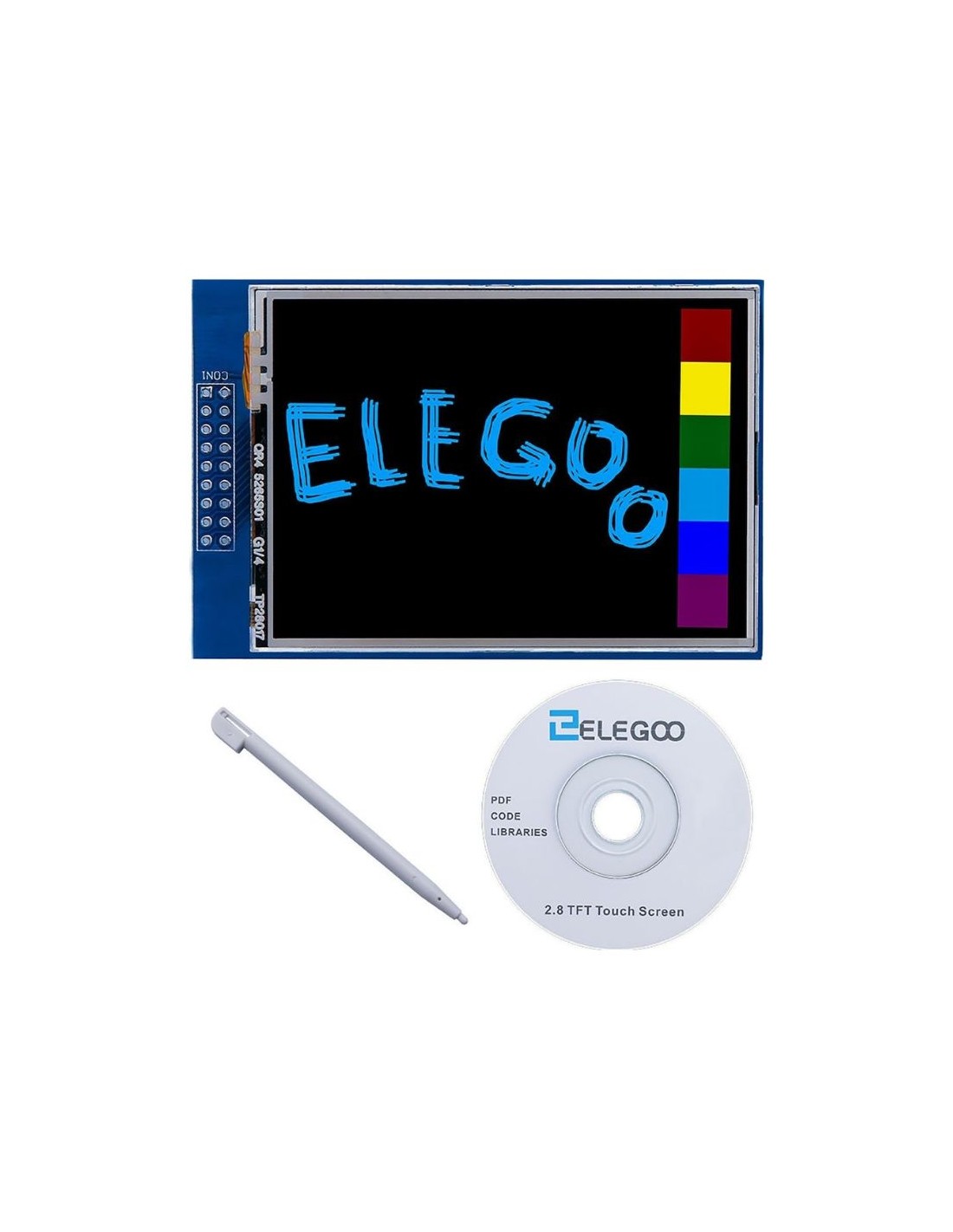
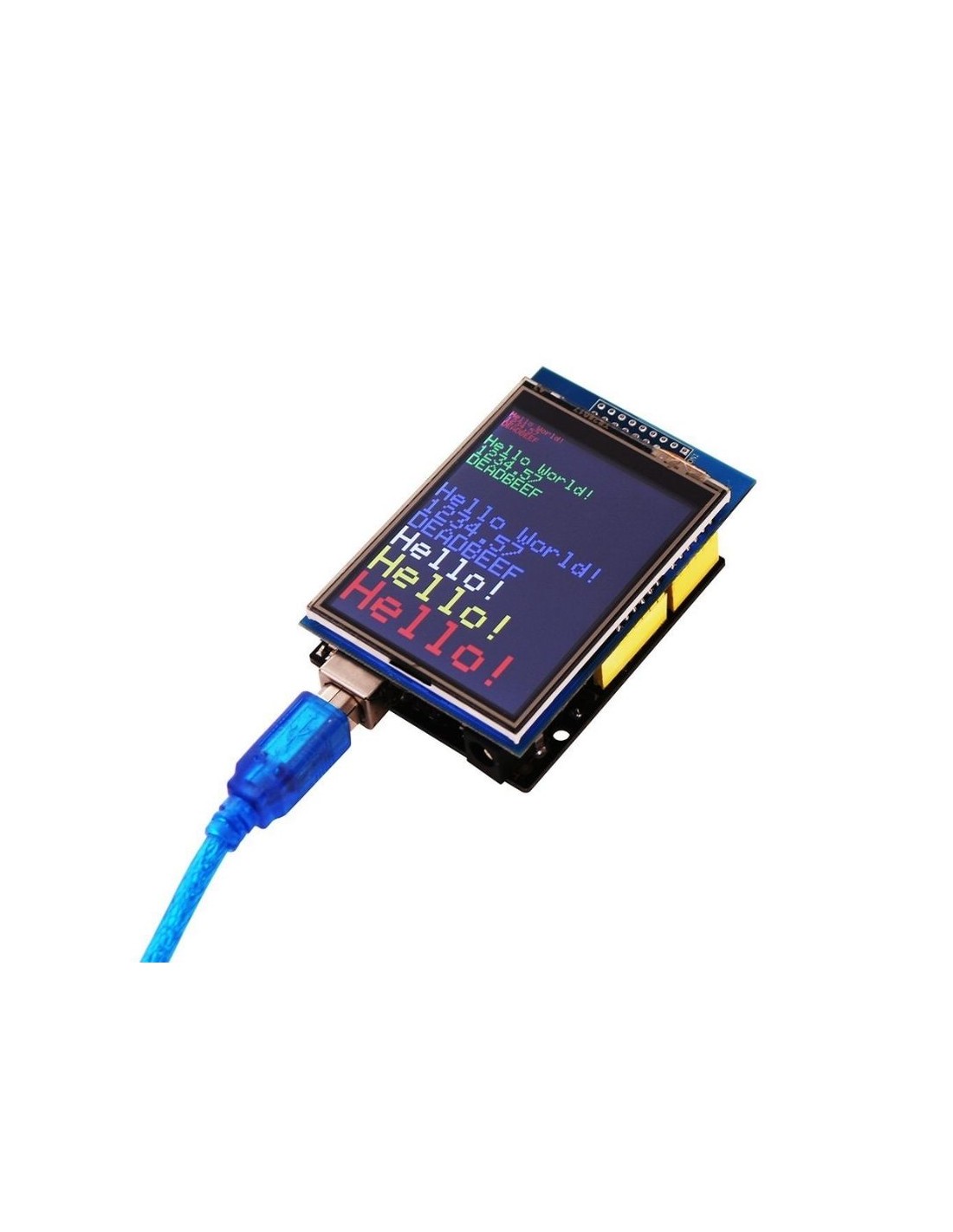
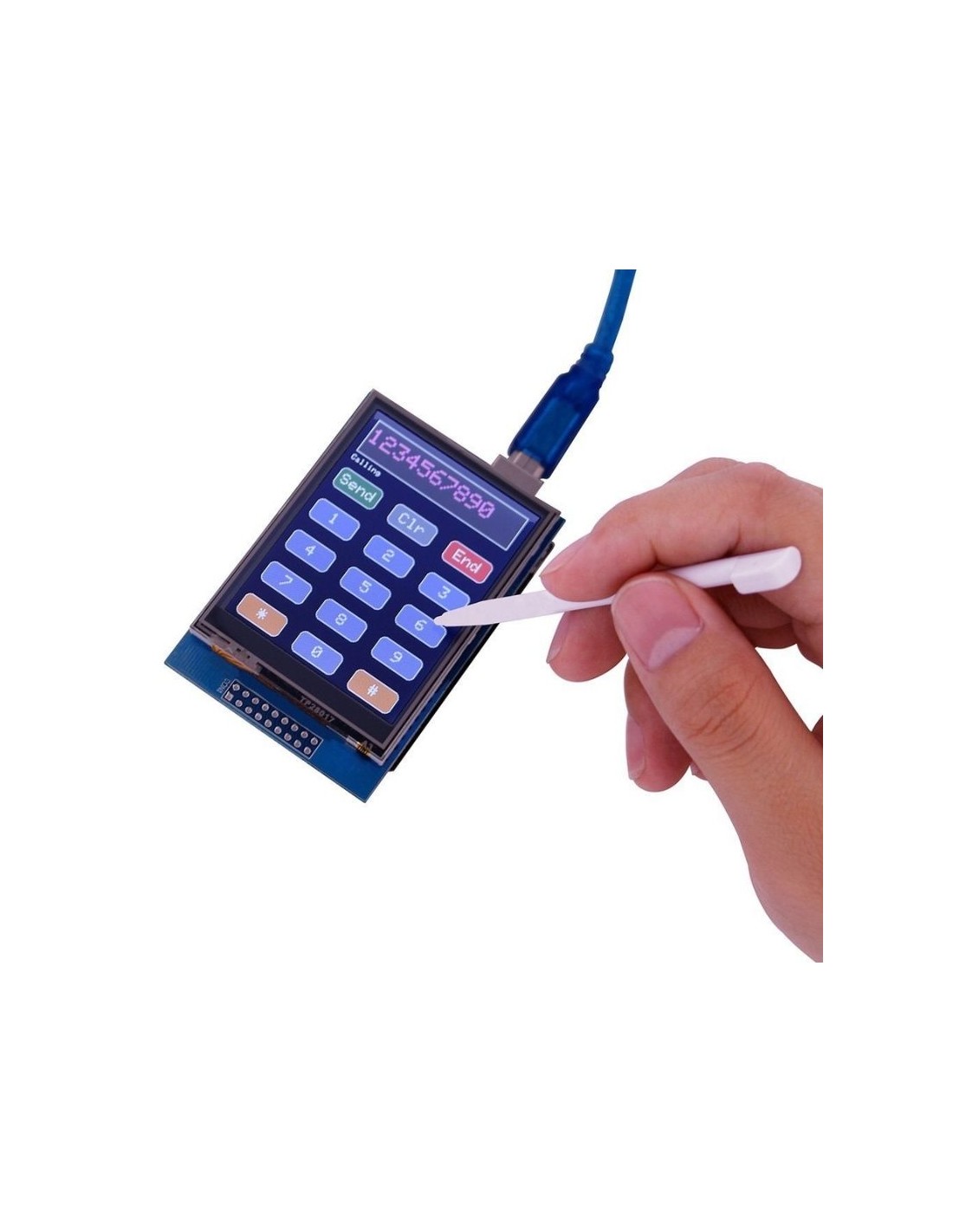
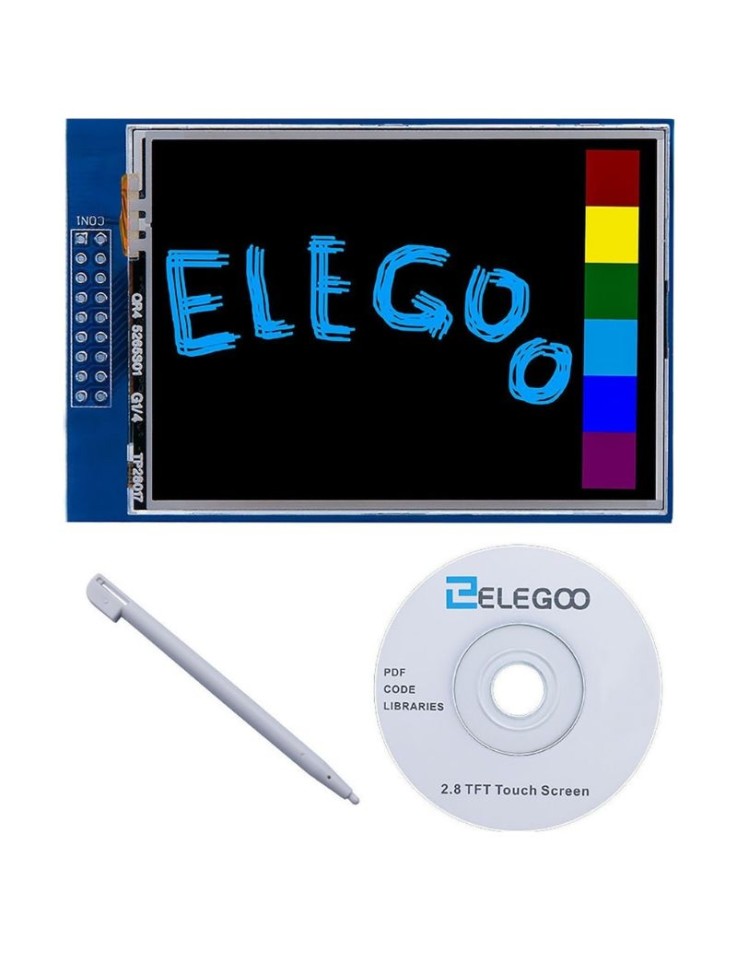
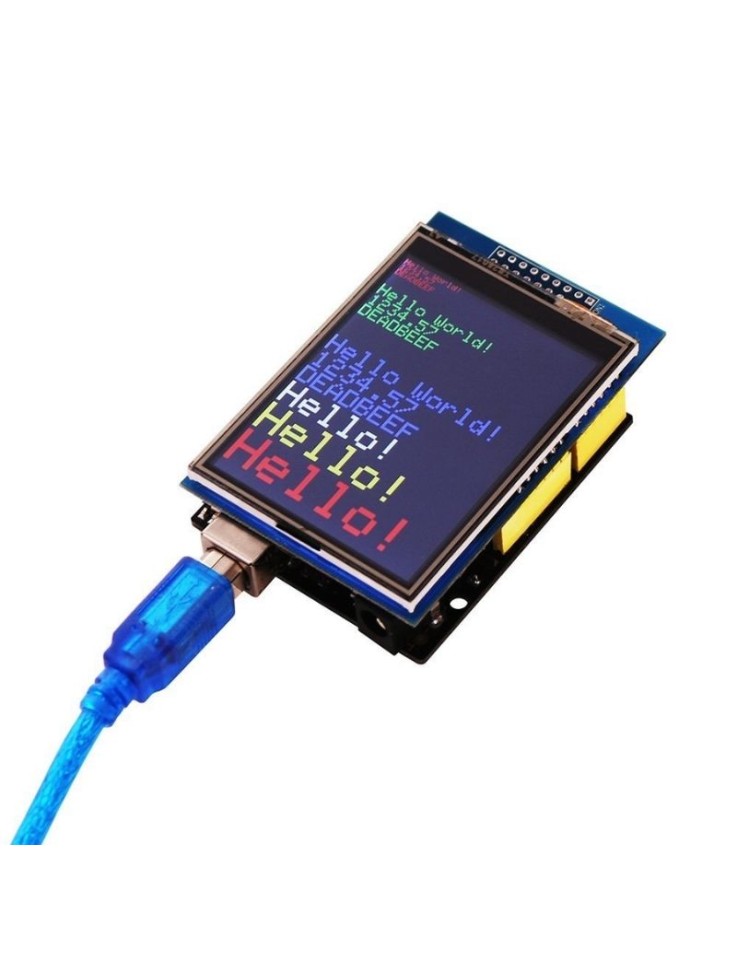
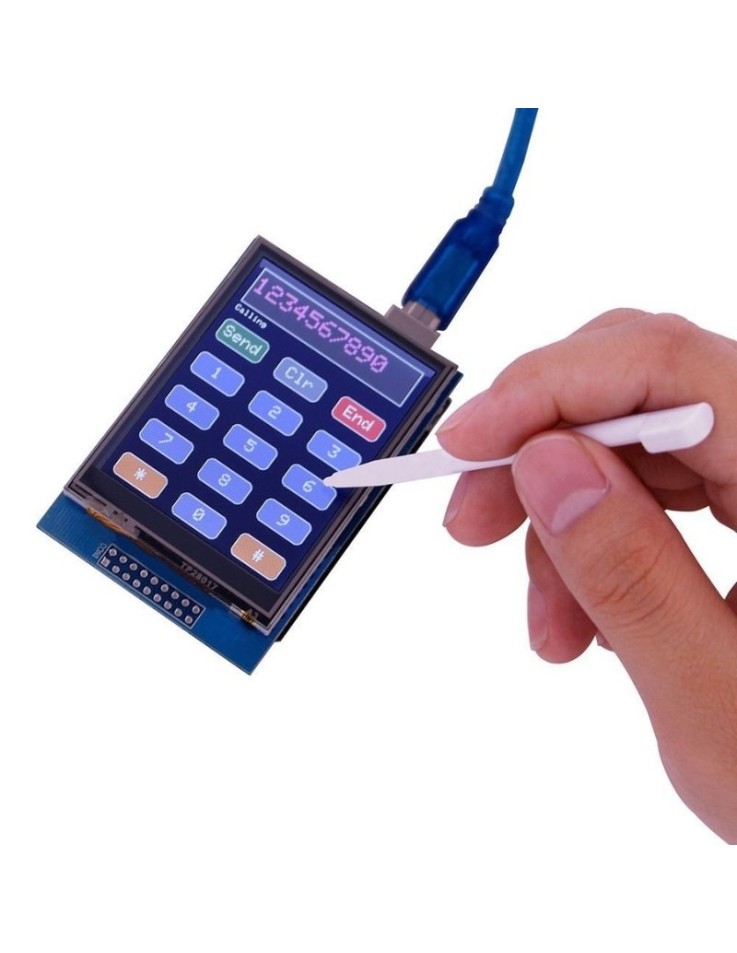
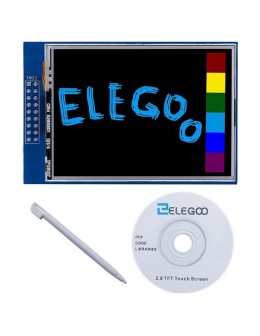
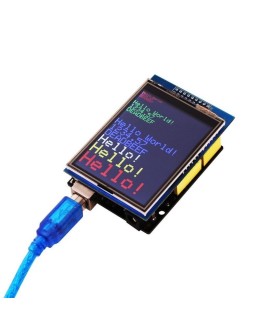
ELEGOO 2.8 inch colour TFT touch screen with 320×240 resolution, built as a shield for Arduino UNO R3. It plugs straight onto the UNO board and offers a resistive touch panel, an SD card socket for storing images and data, plus a touch pen and a CD with tutorials and technical data in the box. Ideal for menus, control panels, charts and interactive Arduino projects. The UNO R3 board and USB cable are not included.
The ELEGOO 2.8 inch TFT touch screen is a colour shield for Arduino UNO R3 that adds a graphic display, touch input and SD card storage to your projects. It plugs directly onto the UNO board and suits menus, control panels, sensor read-outs and interactive builds for students, hobbyists and makers.
| Manufacturer / model | ELEGOO / EL-SM-004 |
| Display type | Colour TFT, 2.8 inch |
| Resolution | 320×240 pixels |
| Driver IC | ILI9341 |
| Touch screen | Resistive |
| Storage | SD card socket |
| Compatibility | Arduino UNO R3 (shield format) |
| In the box | Touch screen, touch pen, CD with learning material |
| Not included | UNO R3 board, USB cable |
Is the touch screen resistive or capacitive?
Resistive. It responds to pressure, so it works with a finger, while the included touch pen gives better accuracy.
Does it include the Arduino board?
No. The package does not include the UNO R3 board or the USB cable. You need an Arduino UNO R3 or compatible board to use it.
Are any UNO pins left free?
As a shield, the display uses almost all of the UNO pins. If your project needs many extra sensors or modules, plan early which pins will remain available.