
 Ελληνικά
Your cart
There are no more items in your cart
-
 Educational Products
-
 School Equipment
- All
- Write 'N' Wipe Boards
- White Magnetic Boards
- Board Erasers & Cleaners
- Interactive Boards
- Cork Boards
- Boards Paper Roll
- Talking Points
- Measuring Instruments
- Rotary Trimmer & Guillotine Machines
- Binding Machines
- Laminators
- Maps
- Literacy
- Time
- Presenters
- Music Instruments
- Batteries
- USB Memory Sticks
- Pocket Charts
- Various
-
 Stationery
-
 STEM - Robotics - Programming
-
 Electronics
-
 Educational Toys & Construction Kits
- All
- Mechanics
- Robotics
- Coding
- Simple Circuit Kits
- Science
- Green Science
- Planets
- Dinosaurs - Volcanos
- Animals
- Lenses
- Logic / Understanding
- Card & Board Games
- Rubik's Cubes
- Puzzles
- Magnetic Boards
- Hama Beads
- Painting Sets
- Craft Sets
- Creative Hands
- Soft Play Dough
- Fridge Magnets
- Wooden toys
- Baby Toys
- Gadgets
- Construction "Antoniadis"
- Seasonal
- Birthday Gifts
- Gift Vouchers
-
 Tools & Adhesives
-
 Craft Materials
- All
- Resin Art, Casting & Sculpting
- Decoupage & Mixed Media
- Items for Decoration
- Model Making & Mockup Supplies
- Creation Materials
- Decoratives
- Paints - Colours
- Mediums & Auxiliaries
- Canvases & Canvas Panels
- Clocks & Accessories
- Cards & Papers
- Fabrics
- Scrapbooking - Papers
- Powertex
- Quilling
- Seasonal
- All
- Acrylics
- Metallic - Pearl
- Chalk Paints
- Oil Paints
- Watercolours - Temperas
- Glass paints
- Fabric Paints
- Pouring Paint Sets
- Face painting
- Lasur Paints
- Chalkboard
- Pencils
- Chalks
- Markers
- Pastel-Crayons
- Outliners
- Alcohol Inks
- Spray
- Pigments for Liquid Glass
- Pigments
- Coloring Books
- Painting by numbers
- Paint Palettes and Containers
-
 Art Supplies
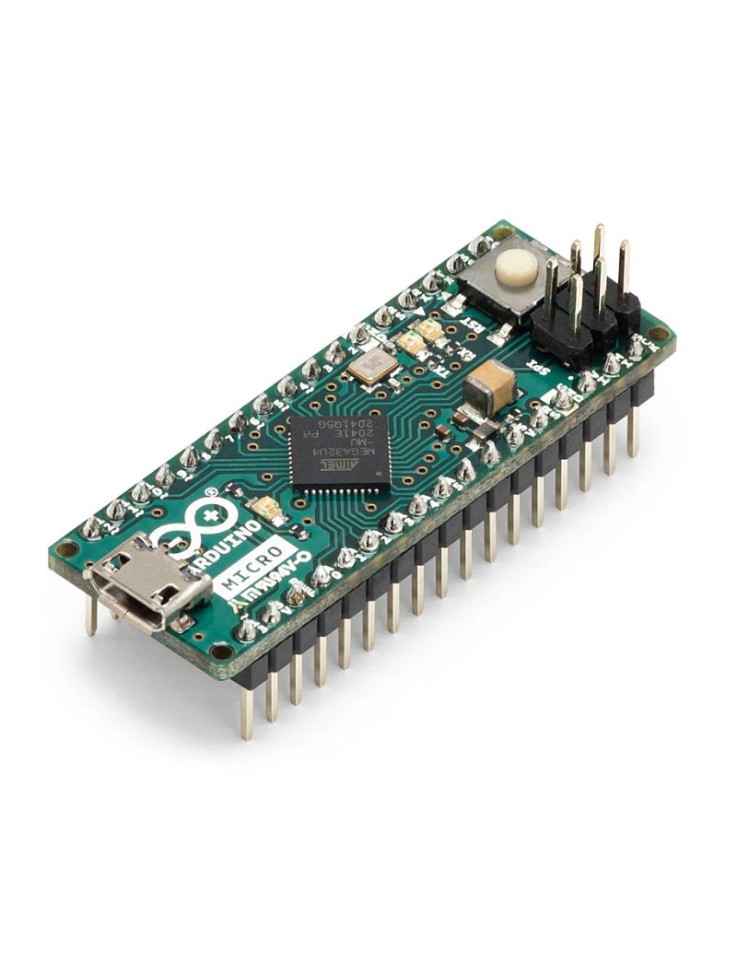
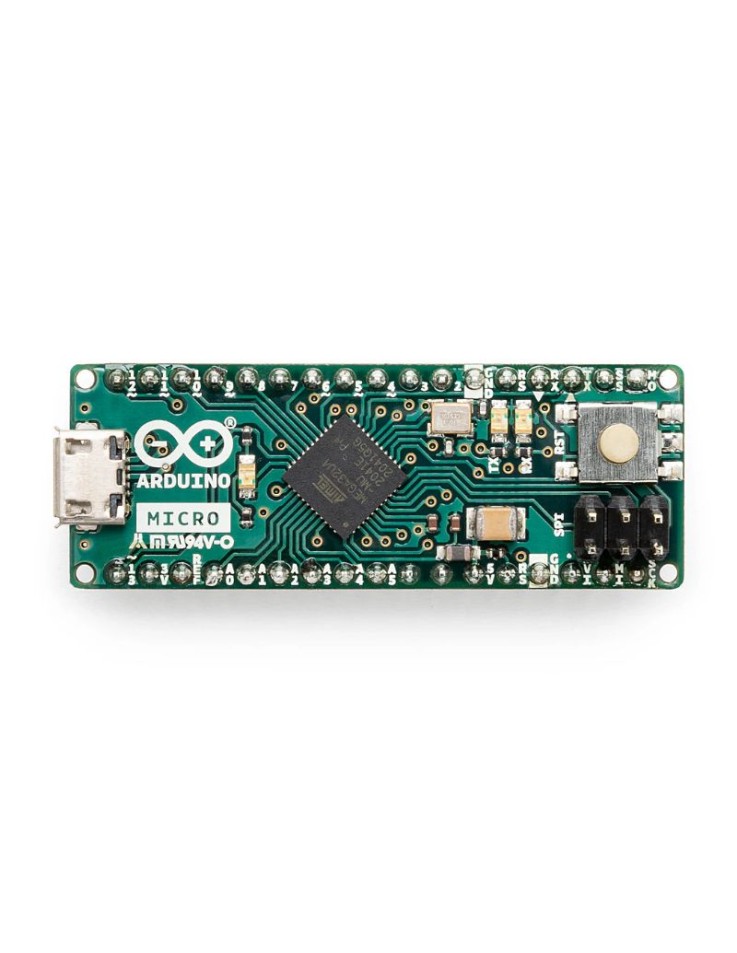



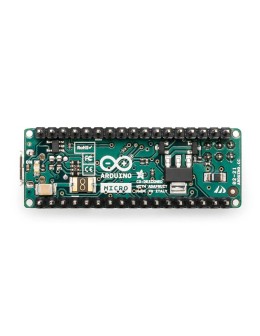
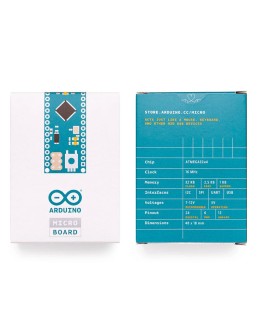
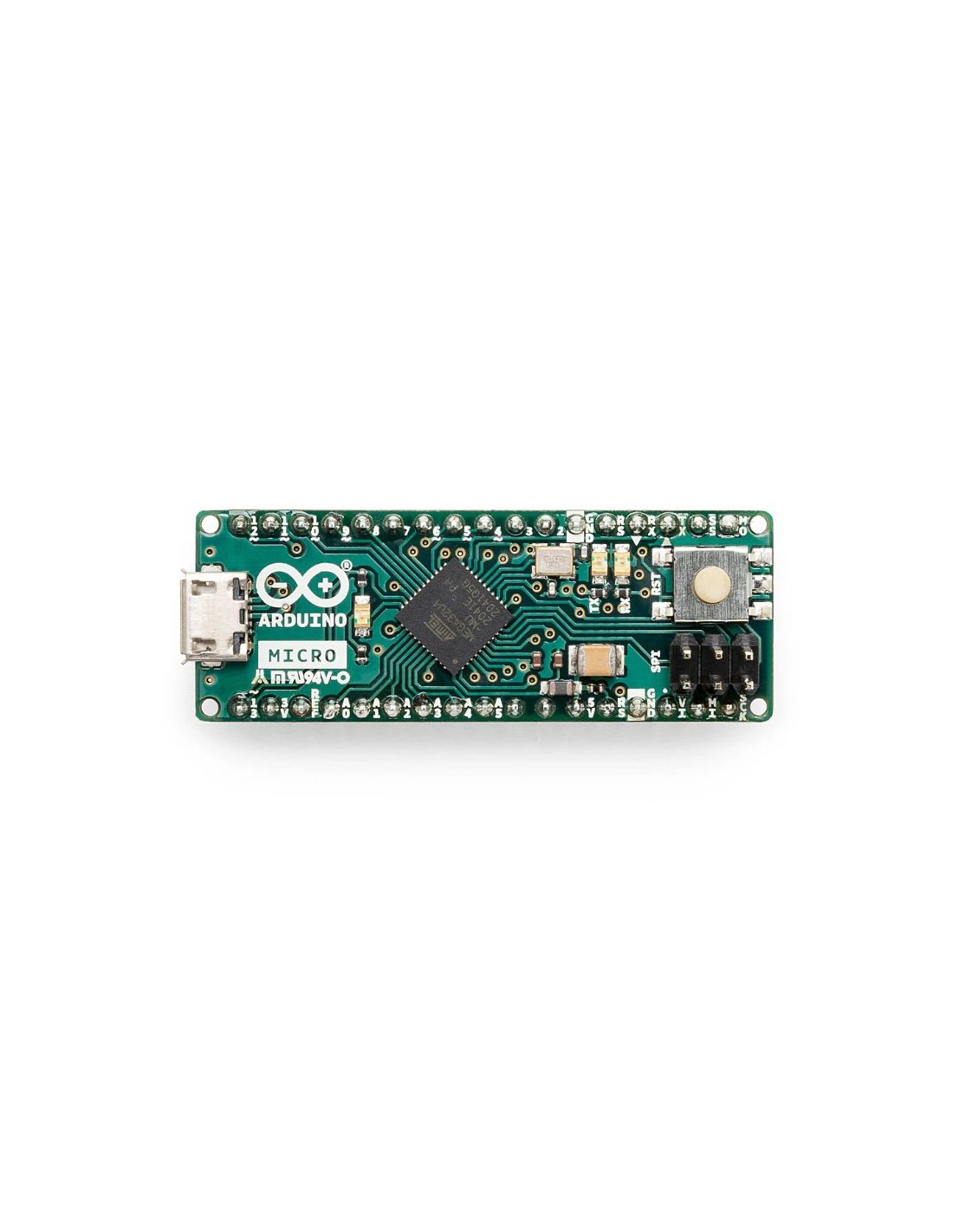
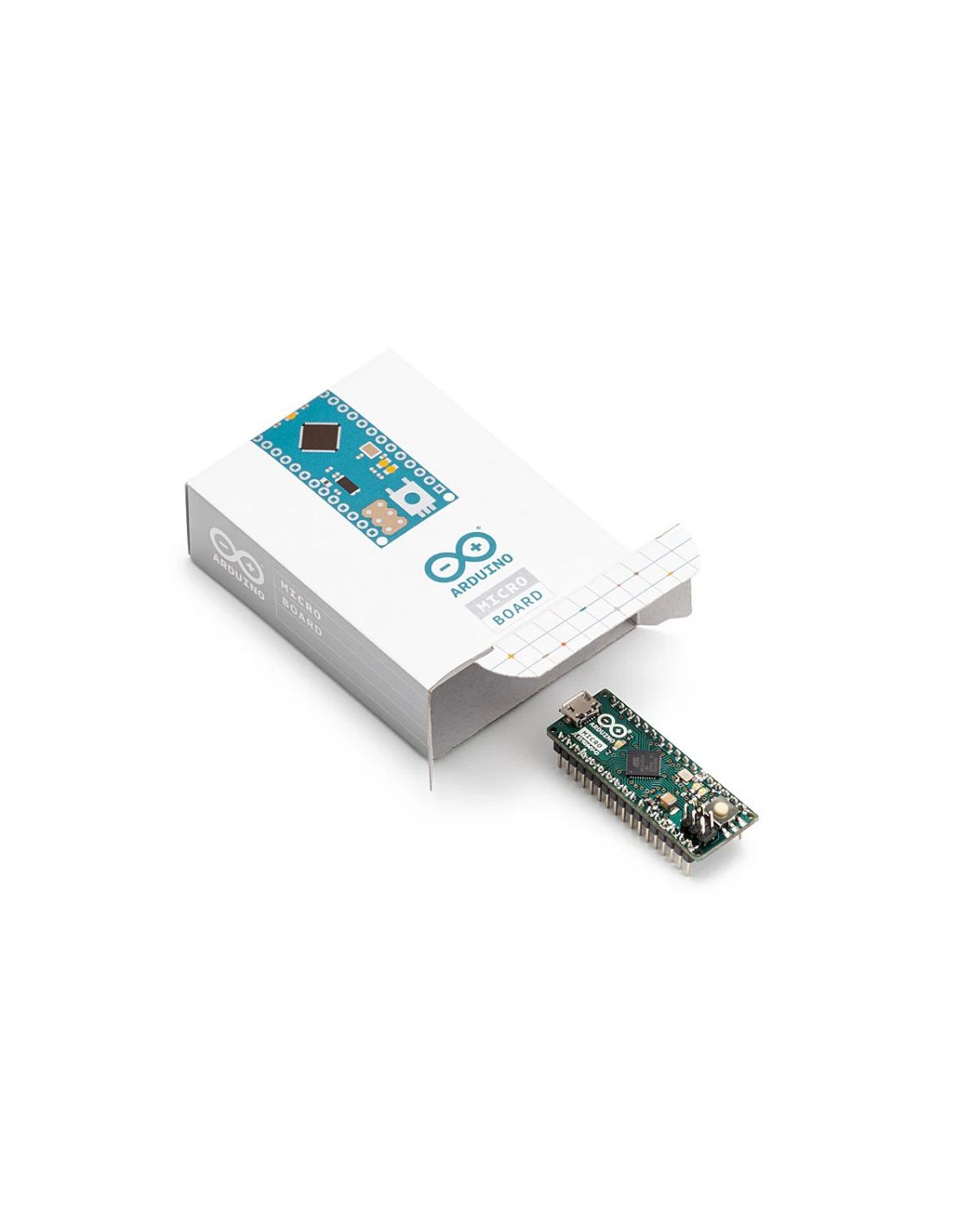



Arduino Micro with headers
Main boards & Kits
ARD035
Part.No: A000053
€29.90
Instant Shipping
The Arduino Micro is the smallest Arduino board with native USB — based on the ATmega32U4, it appears to your computer as a keyboard, mouse, or MIDI device without any additional hardware. At just 48×18mm with 20 digital I/O and 12 analog inputs, it is the go-to choice for HID projects and embedded applications.
- 🖱️ Native USB HID — emulate keyboard, mouse & MIDI devices
- ⚡ ATmega32U4 @ 16MHz, 32kB Flash, 2.5kB SRAM, 12 analog inputs
- 📐 48×18mm, 13g — breadboard-friendly with headers on both sides
- 🇨🇾 Fast shipping within Cyprus
Subscribe To When In Stock
You have successfully subscribed to this product
Arduino Micro — Native USB HID in an Ultra-Compact Form Factor
The Arduino Micro (SKU: A000053) is the smallest official Arduino board with native USB — and that makes it unique. Based on the ATmega32U4 (the same chip as the Arduino Leonardo), the Micro appears directly to your computer as an HID device: keyboard, mouse, gamepad, or MIDI controller — no drivers, no additional hardware required. At just 48×18mm, it is breadboard-compatible and ideal for embedding in custom projects, wearables, and interactive installations.
Technical Specifications
| Feature | Specification |
|---|---|
| Microcontroller | ATmega32U4 (native USB) |
| Operating Voltage | 5V |
| Input Voltage (recommended) | 7–12V |
| Clock Speed | 16 MHz |
| Flash / SRAM / EEPROM | 32 kB (4kB bootloader) / 2.5 kB / 1 kB |
| Digital I/O Pins | 20 (7 PWM) |
| Analog Input Channels | 12 |
| DC Current per I/O / 3.3V Pin | 20 mA / 50 mA |
| USB | Micro-USB (native USB HID) |
| Dimensions / Weight | 48mm × 18mm / 13g |
What does "Native USB" mean in practice?
Most Arduino boards (UNO, Nano) use a separate chip for USB-to-Serial conversion — your computer sees them as a serial port. The ATmega32U4 on the Micro handles USB directly, so you can use the Arduino IDE's built-in Keyboard and Mouse libraries to create custom HID devices — automation scripts, accessibility tools, gaming peripherals, MIDI controllers, and more.
Who is it for?
- Makers & hobbyists: Perfect for custom keyboards, macro pads, gaming controllers, MIDI devices, and accessibility tools. Thanks to native USB HID, the Micro is treated by your computer exactly like a regular keyboard or mouse — plug and play.
- Students: Excellent for Human-Computer Interaction (HCI) projects and an introduction to USB HID device programming. Uses the Arduino IDE and Keyboard/Mouse libraries — accessible for beginners with existing Arduino knowledge.
- Educational institutions: Ideal for digital art projects, interactive installations, and assistive technology applications. Its breadboard-compatible form makes it easy to use in labs alongside sensors and modules.
See Also
- Arduino Official Boards (Genuine) — The full range of genuine Arduino boards
- Arduino Sensors — Add sensing to your projects
- Arduino Modules — Extend your board's functionality
- Arduino Components — Find everything you need for your project
Frequently Asked Questions
What is the difference between the Arduino Micro and the Arduino Nano?
The key advantage of the Micro is native USB HID — it can emulate a keyboard, mouse, or MIDI device. The Nano does not have this capability. The Micro also has more analog inputs (12 vs 8) and PWM channels (7 vs 6). If your project does not require USB HID, the Nano is also an excellent choice.
Does the Micro require drivers to work as an HID device?
No. Thanks to native USB, the Arduino Micro is automatically recognised by Windows, macOS, and Linux as an HID device — just like a regular keyboard or mouse, with no driver installation required.
Is the Arduino Micro breadboard-compatible?
Yes. The Micro has headers on both sides and its 18mm width makes it compatible with standard breadboards — leaving clearance on both sides for connections. A without-headers version is also available for direct SMD placement.
Tap to zoom
